Rounds of review
Stack every cut on one tile, then put any two of them together.
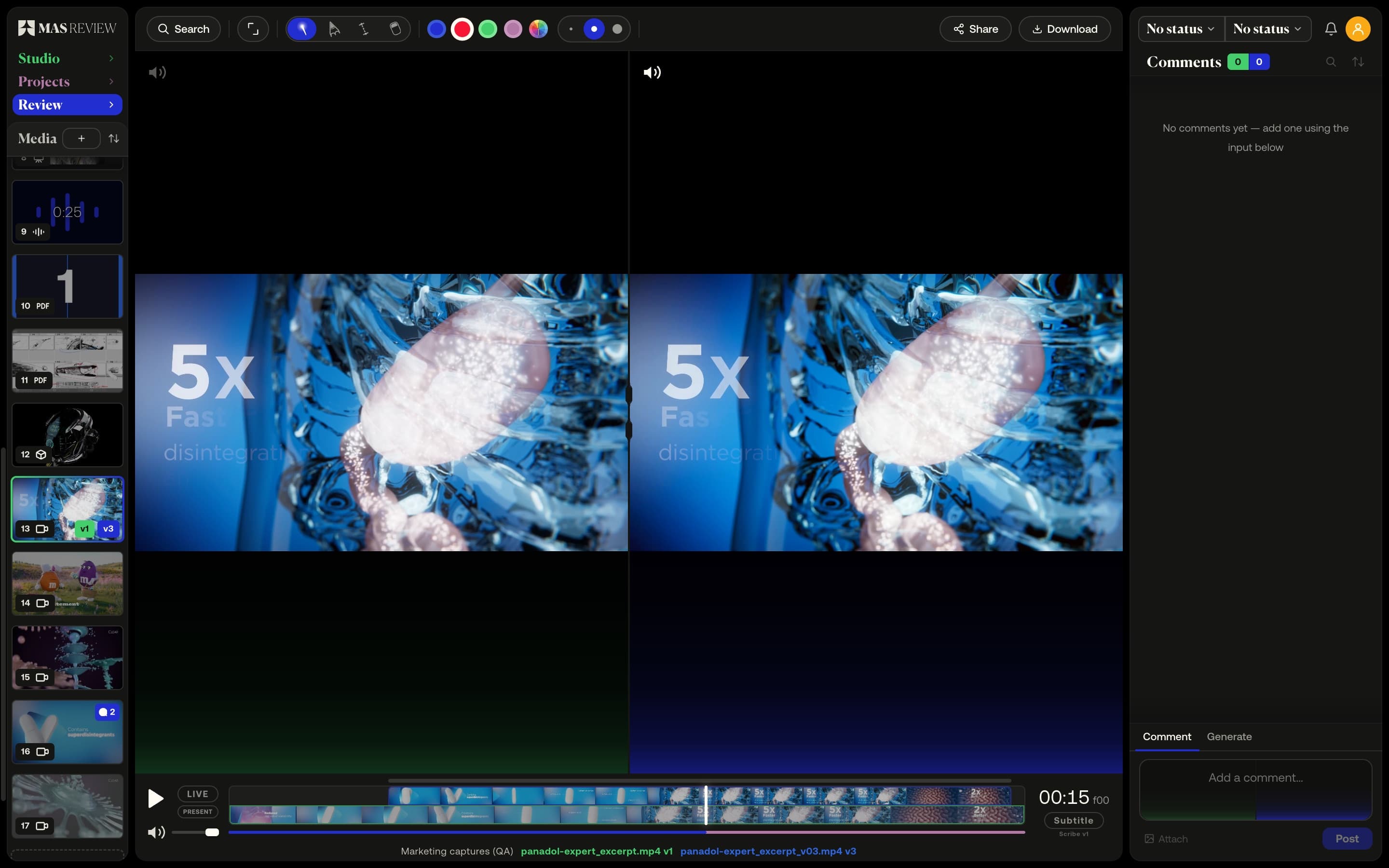
A new round drops onto the clip it replaces and becomes the next version. Hold ⌘ and click a second tile to see both at once, on one clock.
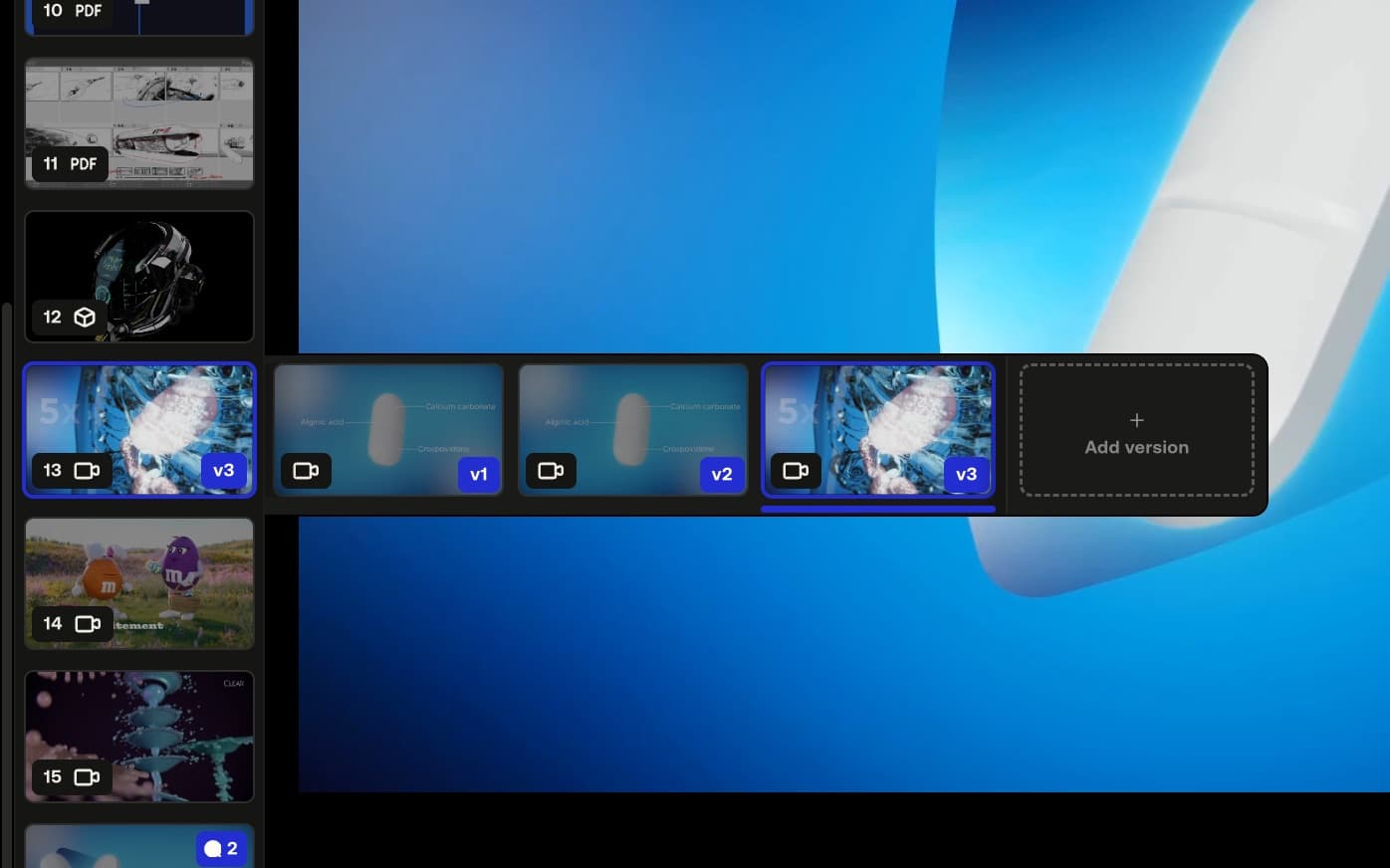
A tile is a stack
Drop a new file onto a clip's tile and it joins as the next version — v2, v3 and on — with its own comments and status. Older rounds stay a click away in the version row.
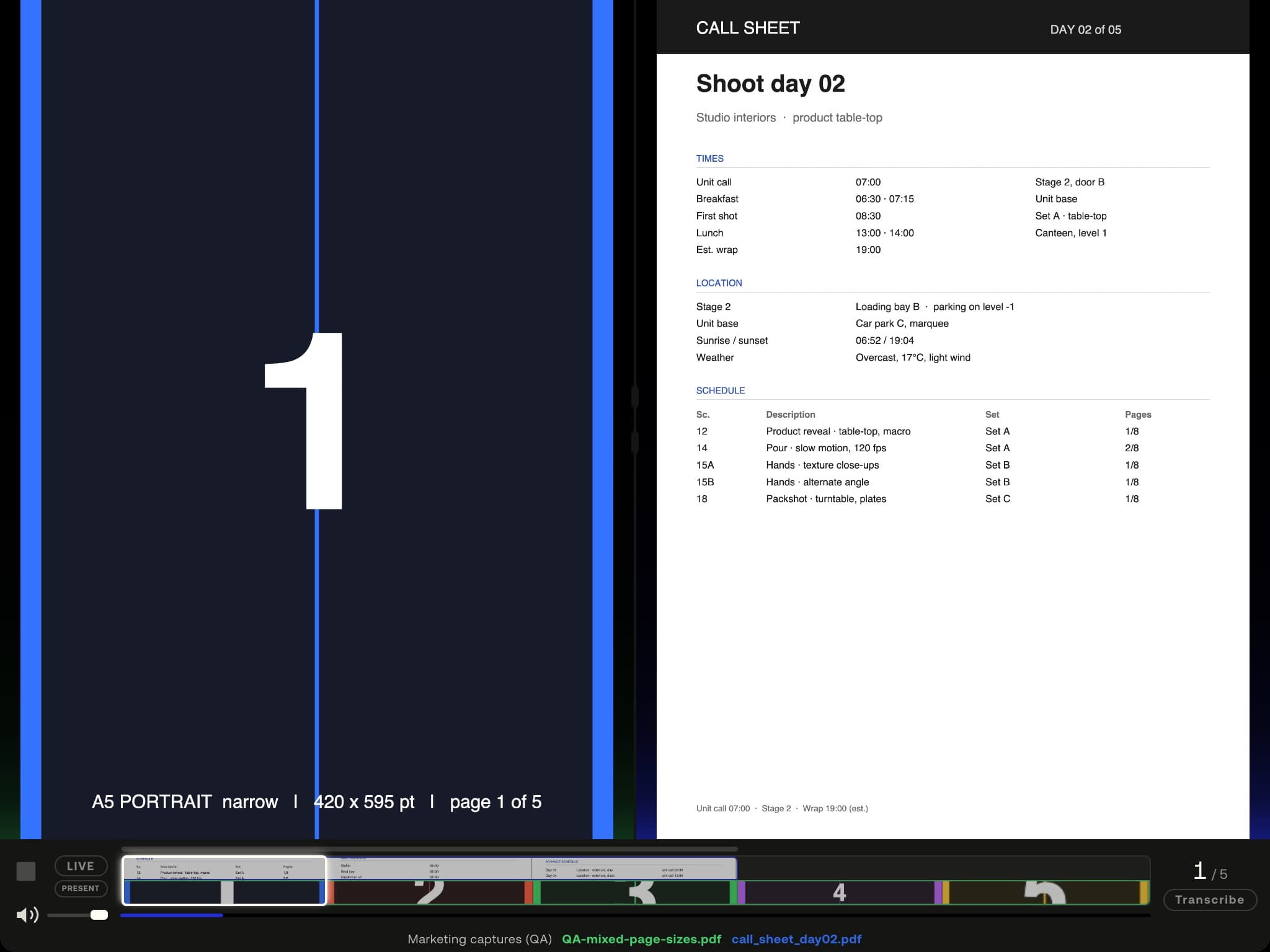
Any two, together
Hold ⌘ and click a second tile: the one you are on in blue, the other in green. Two videos share one timeline, two PDFs turn pages together, a model against a still keeps its own controls.
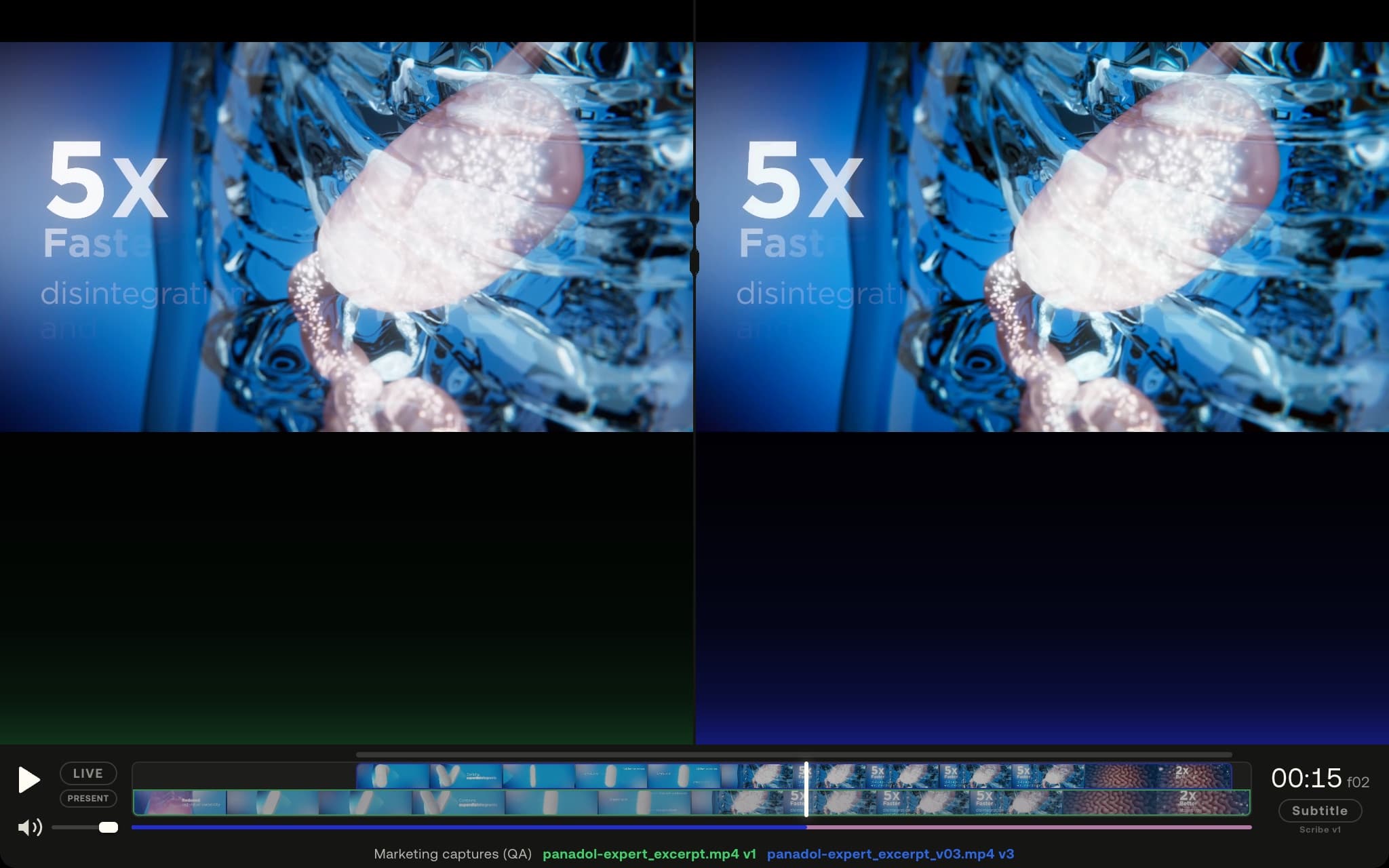
The same frame, twice
Both panes run off one clock and one offset, so stepping a frame or jumping to a comment lands both clips on the same moment. The difference you see is in the cut, not the playhead.
Example footage from commercials produced by Smoke & Mirrors (Tag) and its team. All rights belong to their owners. Their appearance here is not an endorsement of MAS Review.
How it works
- 01
Drop the new file onto the clip's tile; it lands as the next number.
- 02
Hold ⌘ and click a second tile, or right-click it and choose Compare.
- 03
Slide the shorter clip into place, press play once, and both stay locked.
At a glance
- Any media pairs with any: video, audio, images, PDFs and 3D.
- The longer clip is the clock; the offset locks while playing.
- Two 3D models share one camera — orbit one and the other follows.
- A new version inherits the stack's colour space, LUT and 3D lighting.
- Available on
- Free and Pro; per-file share links (which can carry a whole stack) on Pro
MAS Review is in closed beta. The plans are shown for reference: nothing is on sale and no payment can be taken until a registered company operates MAS Review. Until then every studio runs by invitation.
Related
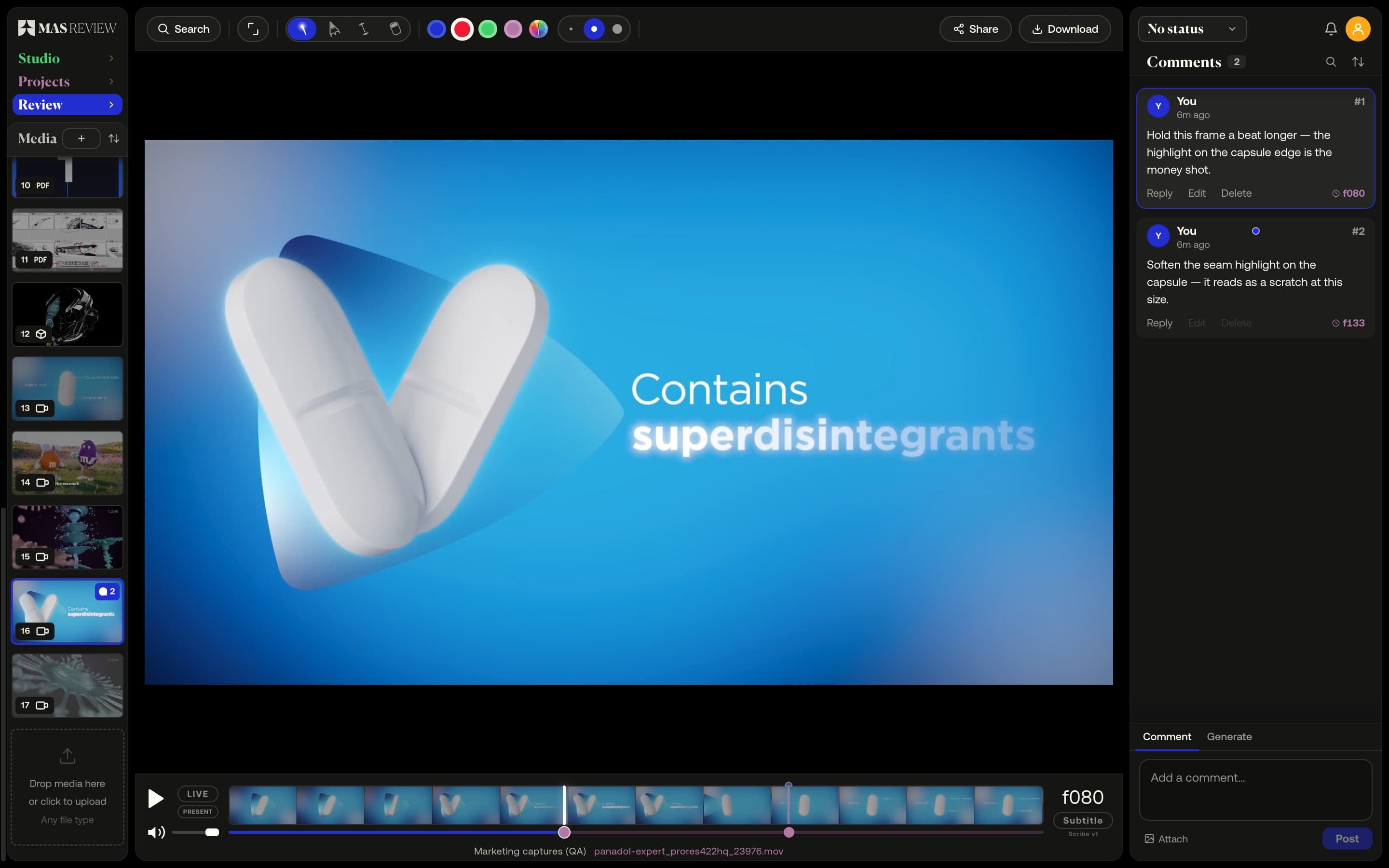
Frame-accurate video comments
A comment pins to the frame you post it on at the clip's true rate — 23.976 stays 23.976 — and sits as a marker on the timeline.
Learn more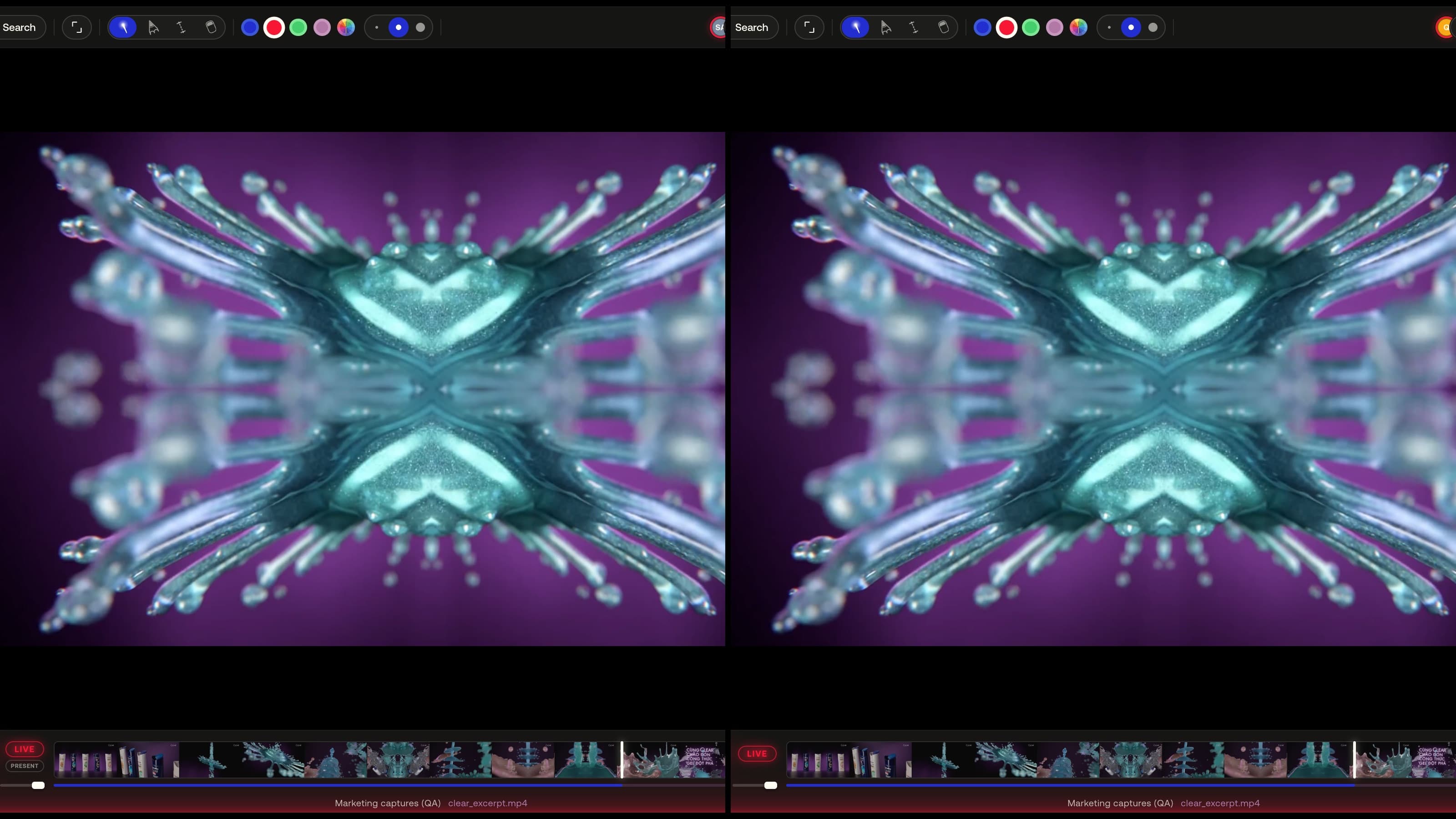
Live sessions
Everyone in the session follows the same view — play, seek, zoom, 3D camera and page turns stay in sync — or hand the room to one presenter.
Learn more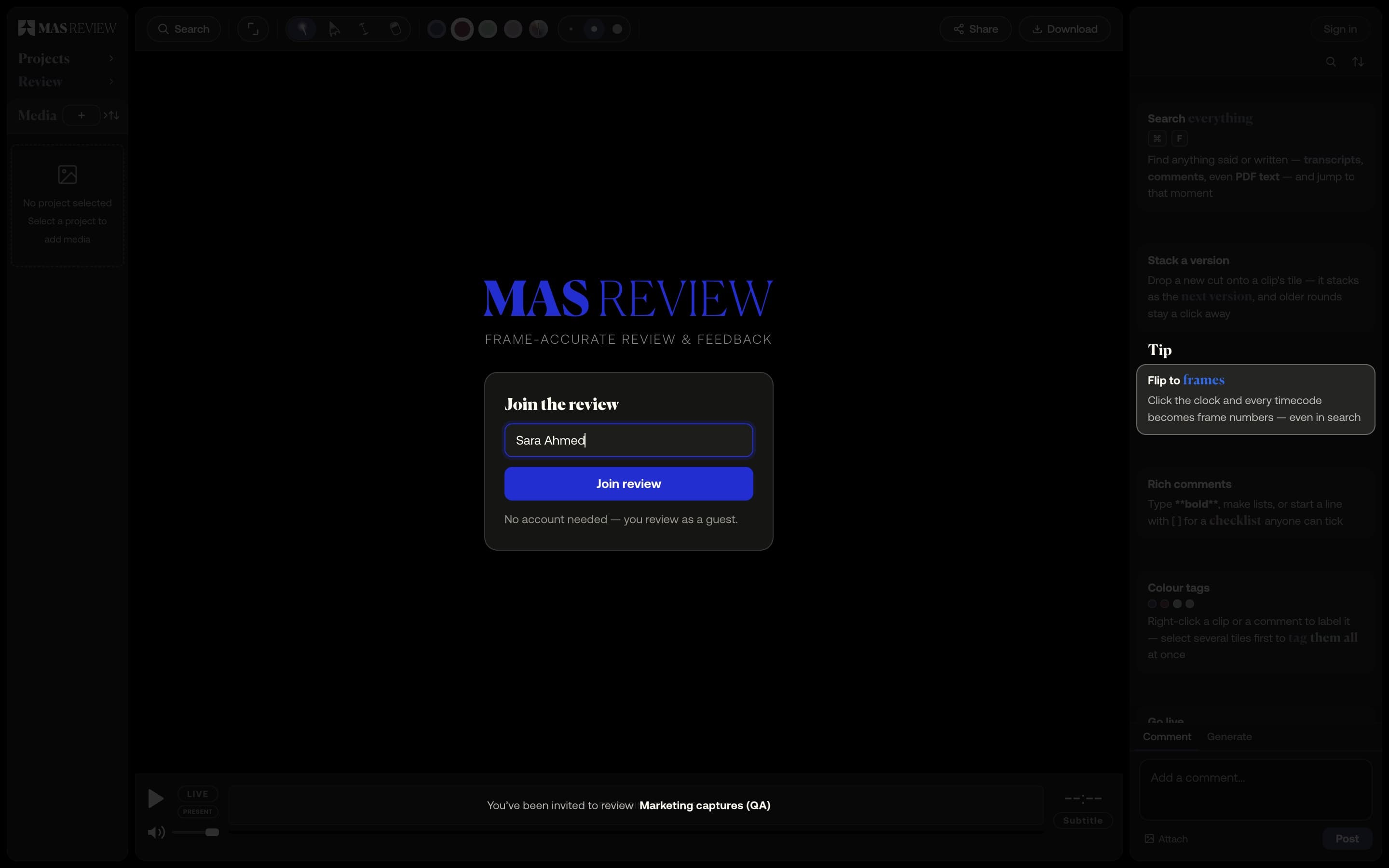
Share links for clients
A link to a project — or, on Pro, a single file. Guests comment, draw and measure in the browser without an account, and never take a seat.
Learn more