Client review
Send one link and your client is reviewing — no account, no seat.
A share link opens a project — or, on Pro, a single file — to people outside your studio. They type their name and start commenting, drawing and measuring in the browser.
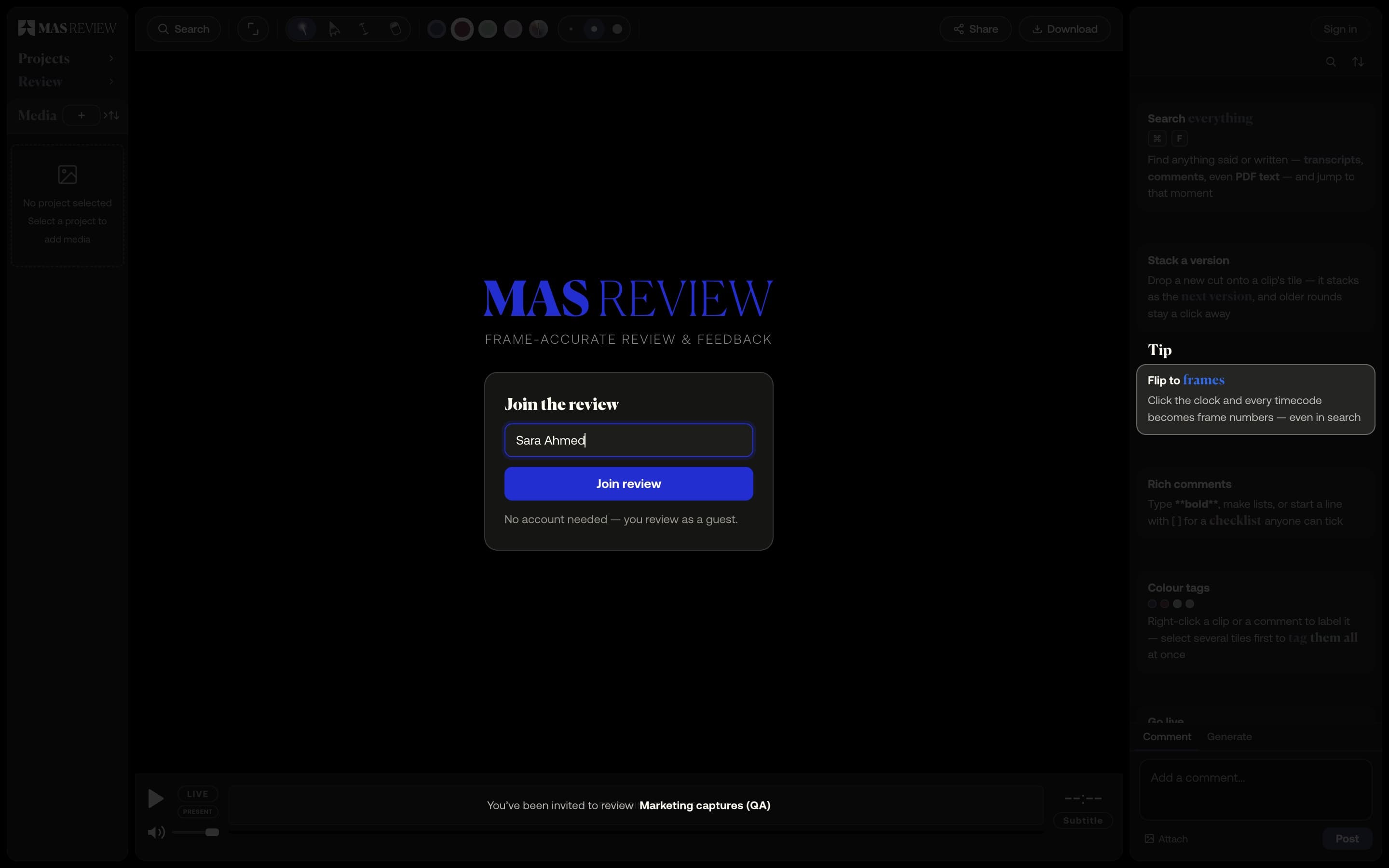
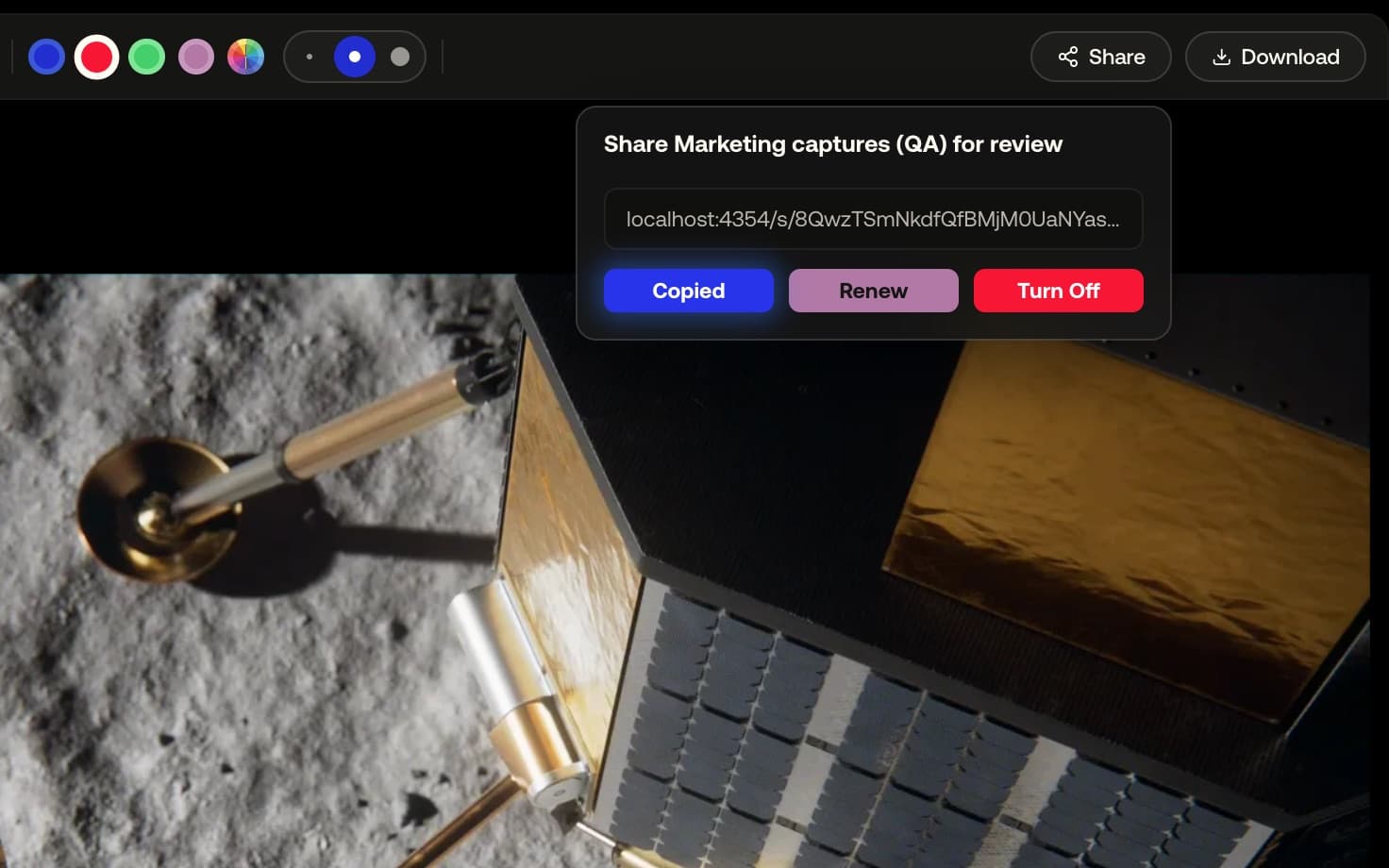
One link, no account
Whoever opens the link types a name and joins as a guest. Nothing to install, no account to make, and it works until you turn it off.
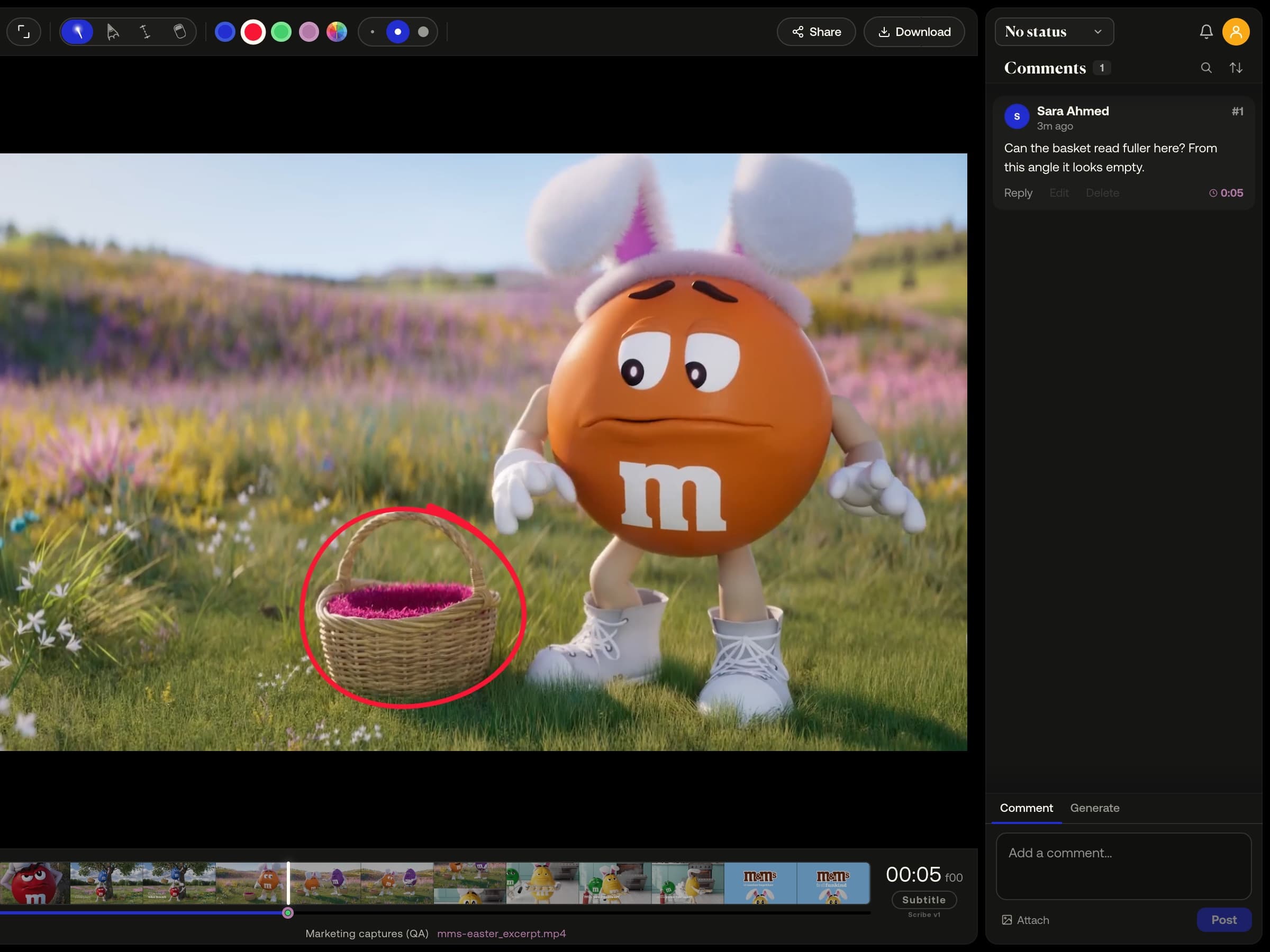
Guests review, they don't manage
They comment on frames, reply, draw, point with the laser, measure and attach files. Their name sits on every comment, and they never count toward your seats.
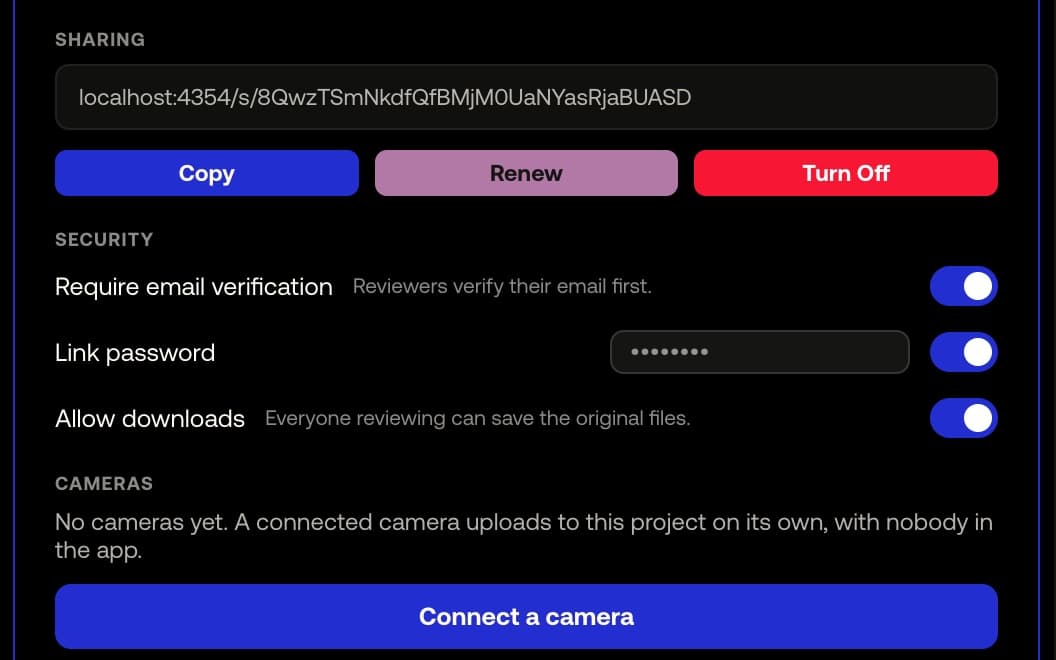
You stay in control after sending
Turn Off stops the link at once; Renew rotates the address without losing your settings. On Pro, share a single file, add a link password or ask for email verification.
Example footage from commercials produced by Smoke & Mirrors (Tag) and its team. All rights belong to their owners. Their appearance here is not an endorsement of MAS Review.
How it works
- 01
As a manager, click Share, then Create share link and Copy.
- 02
Paste the link into an email or a message.
- 03
Your client types a name, presses Join review and starts commenting.
At a glance
- Free shares whole projects; per-file links are Pro.
- A link has no expiry; it works until you turn it off.
- A returning guest is let straight back in for 7 days.
- The file's hover card lists who has opened it, guests included.
- Available on
- Free and Pro; per-file links, link password and email verification on Pro
MAS Review is in closed beta. The plans are shown for reference: nothing is on sale and no payment can be taken until a registered company operates MAS Review. Until then every studio runs by invitation.
Related
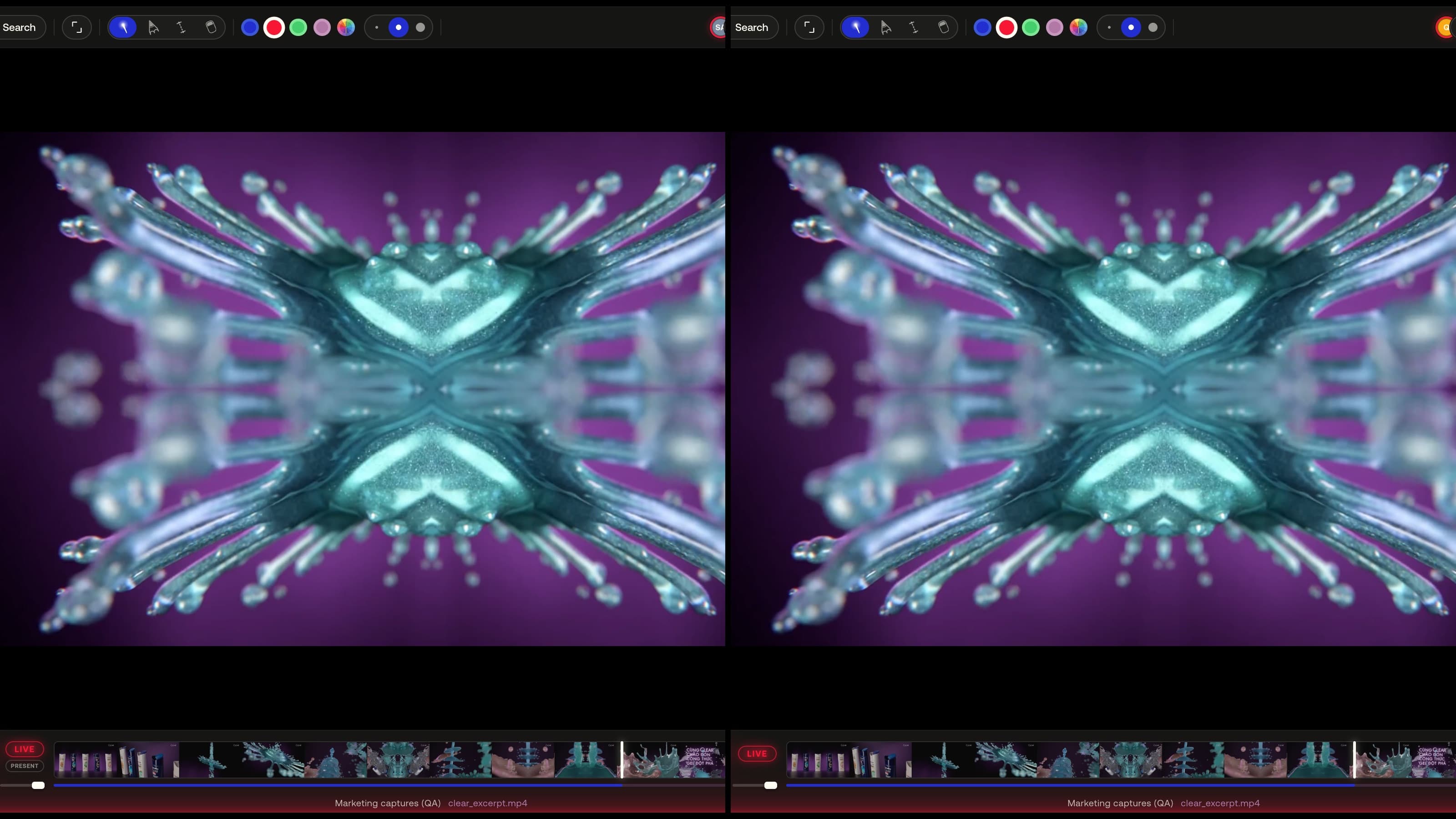
Live sessions
Everyone in the session follows the same view — play, seek, zoom, 3D camera and page turns stay in sync — or hand the room to one presenter.
Learn more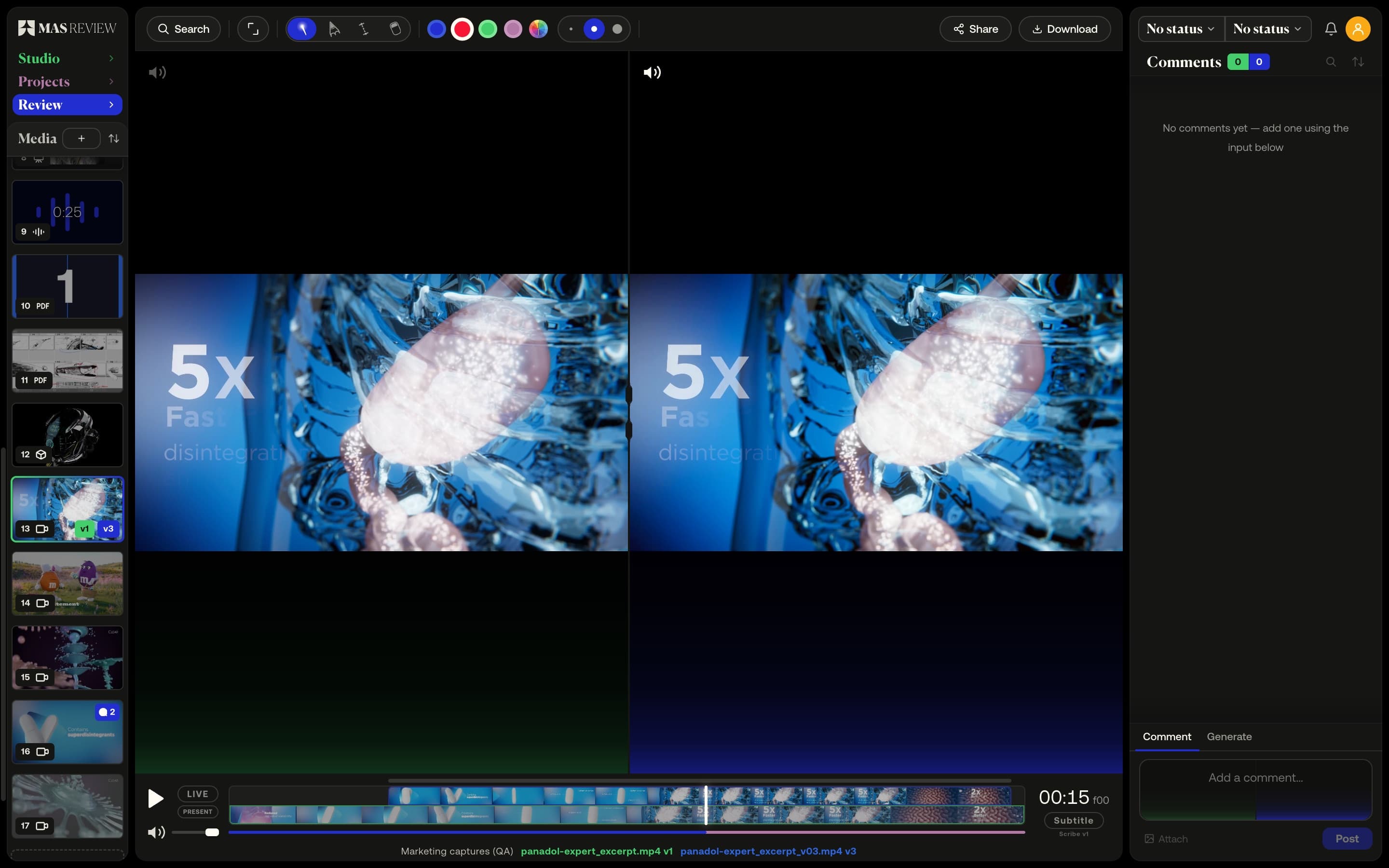
Versions and compare
Stack versions on one tile and compare two side by side: video on a shared timeline with offset, images, PDF pages, or a 3D model against a still.
Learn more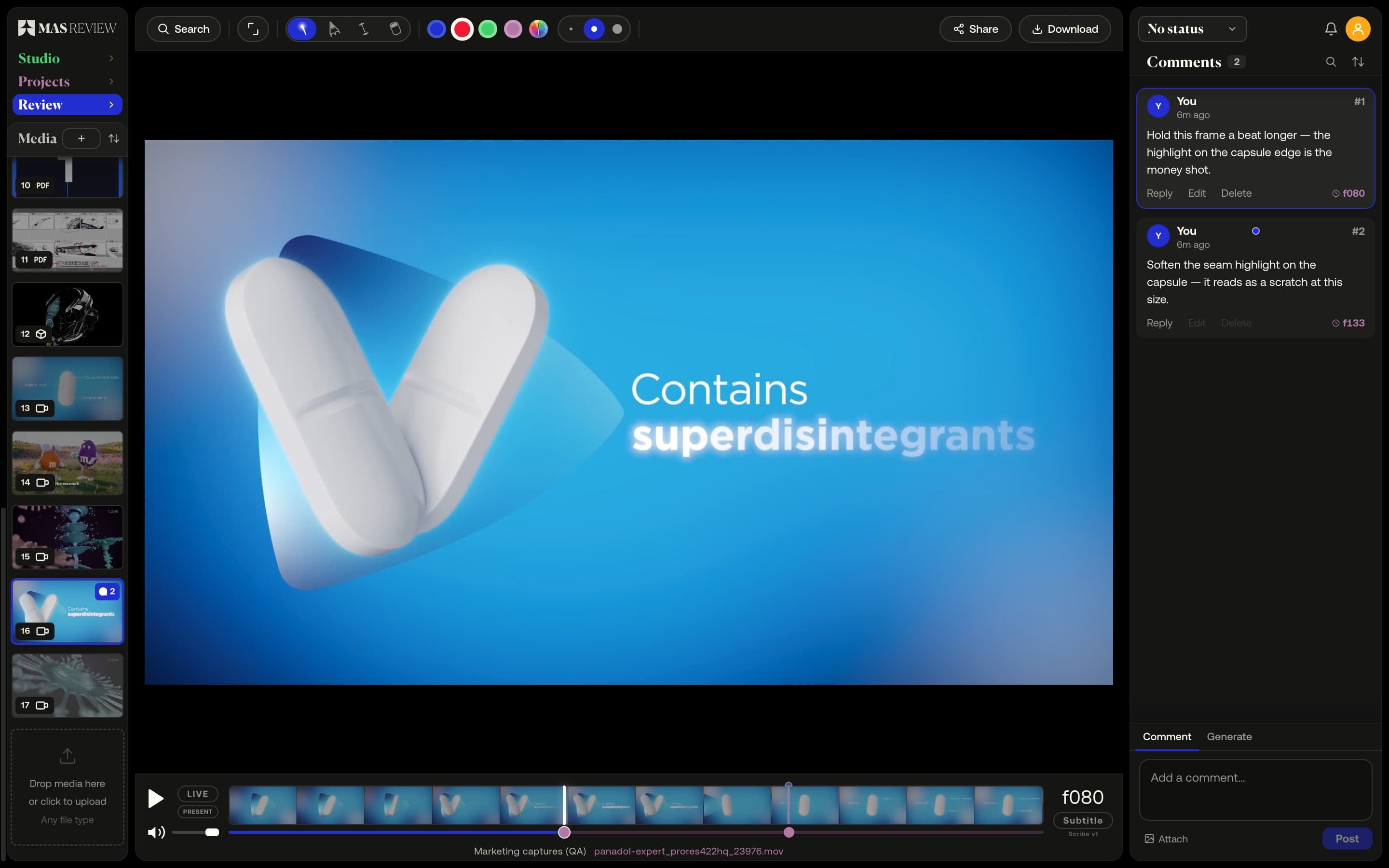
Frame-accurate video comments
A comment pins to the frame you post it on at the clip's true rate — 23.976 stays 23.976 — and sits as a marker on the timeline.
Learn more