Review together
Press LIVE and everyone who joins sees the same frame.
A live session keeps every screen in step — play, seek, zoom, page and camera — and control belongs to whoever acted last. When you need one voice, present, and the room follows you.
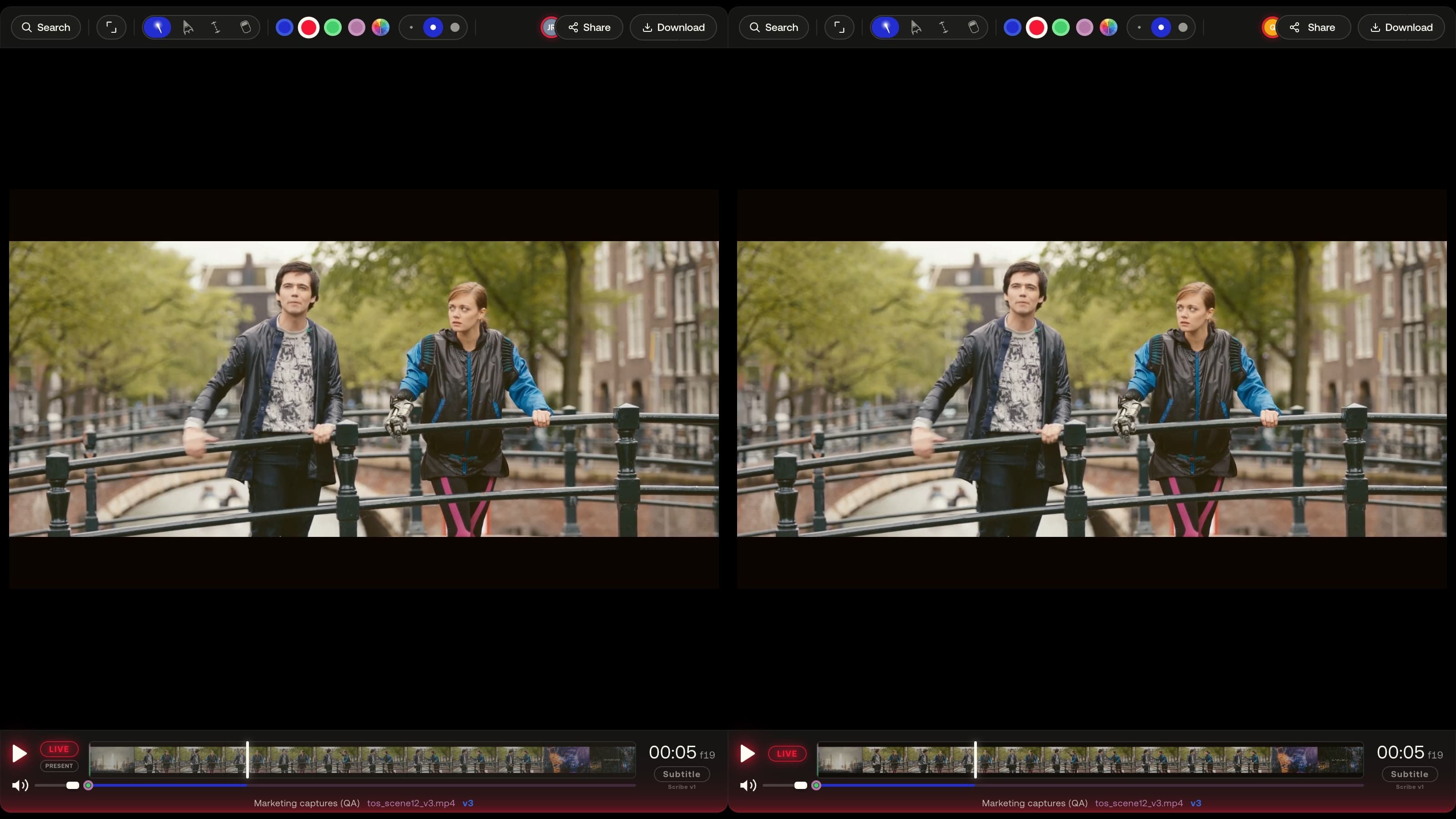
- In sync: play, seek, speed, loop, page, zoom, 3D camera, compare.
- Followers glide between zoom levels and camera poses instead of jumping.
- Only managers and admins can present; a guest cannot.
- A session nobody has touched for 10 minutes ends on its own.
01
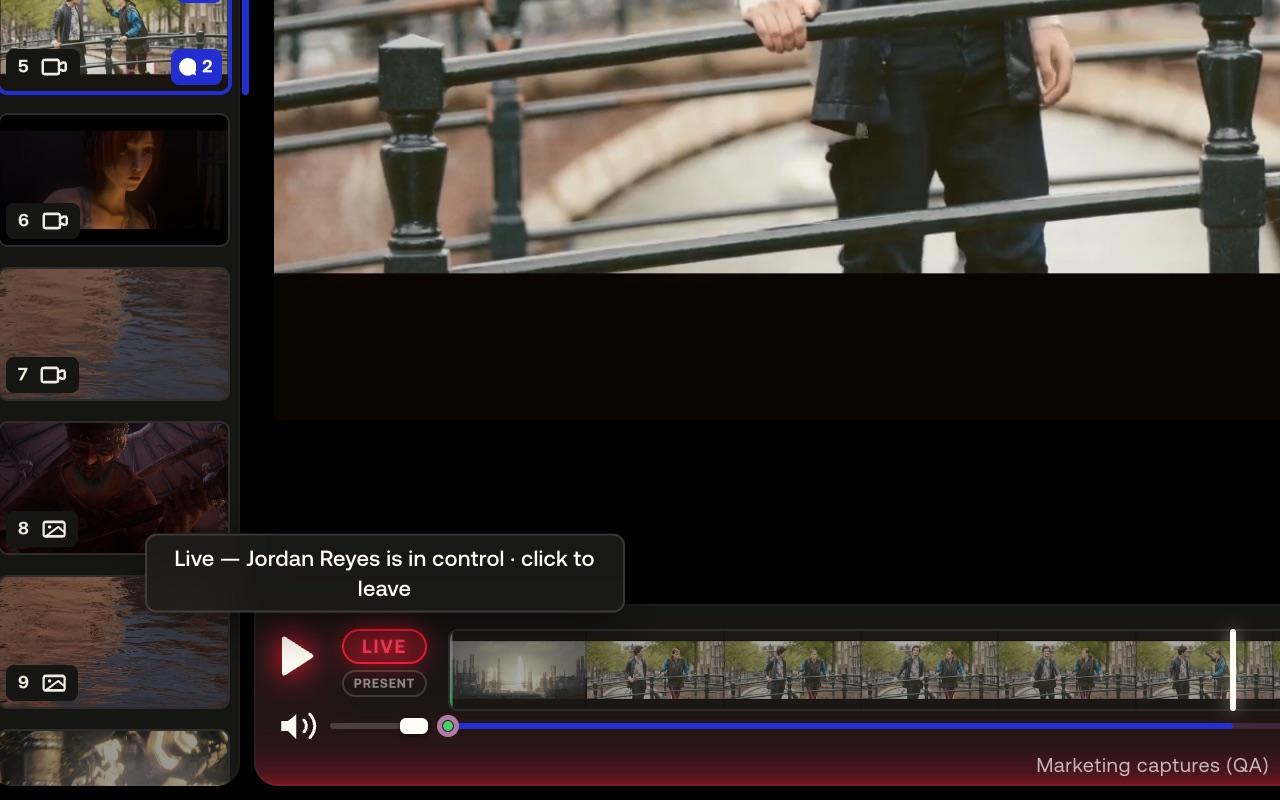
Everyone sees the same view
Press the LIVE chip in the transport bar and you start a session; anyone in the project joins with the same chip, guests on a share link too. Whatever you do — play, seek, turn a page, zoom, orbit a model — everyone sees it.
02
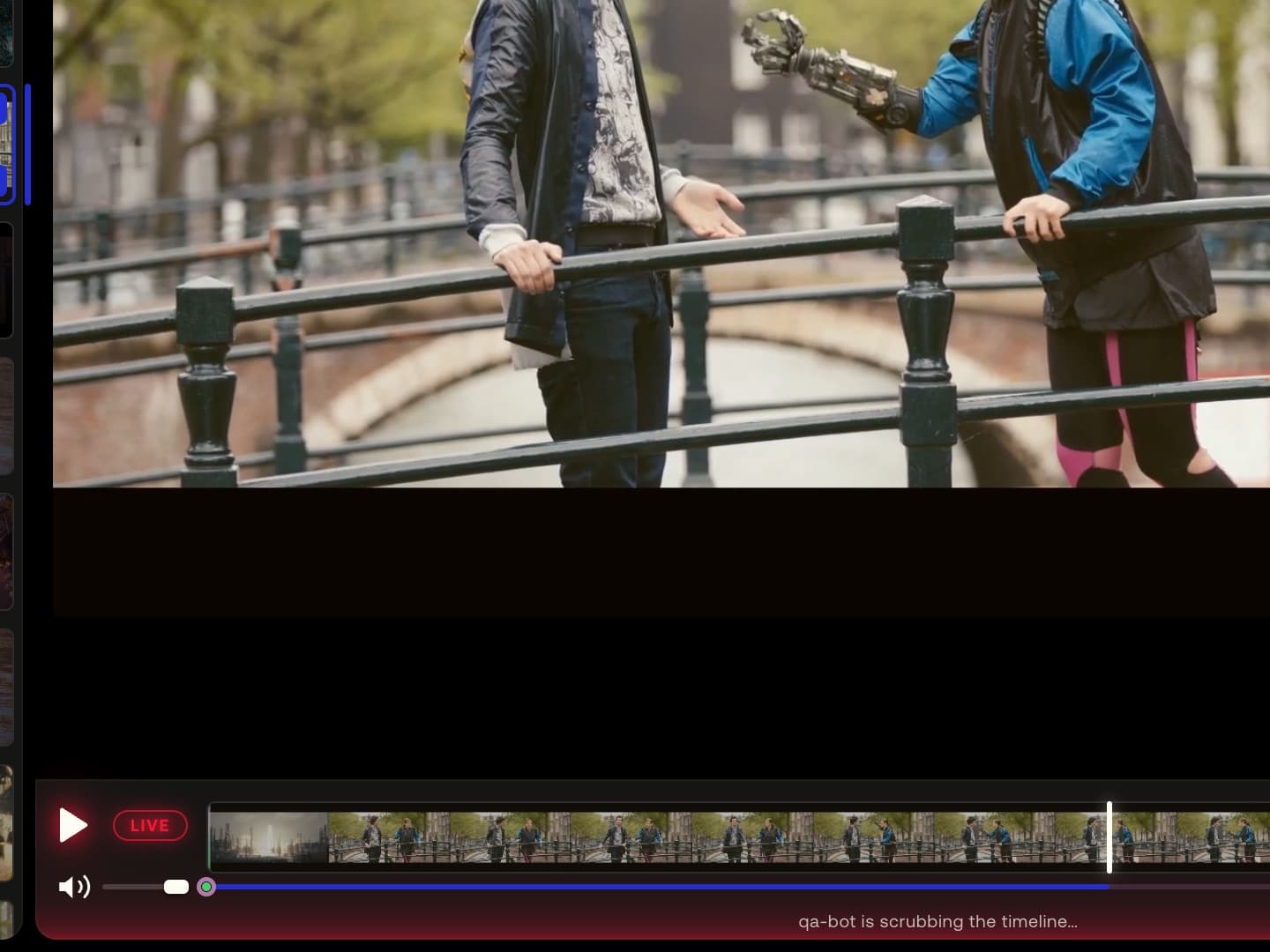
Control belongs to the last hand
There is no host. When someone else seeks, you follow; when you act, they follow you — and nothing you do drops you out.
03
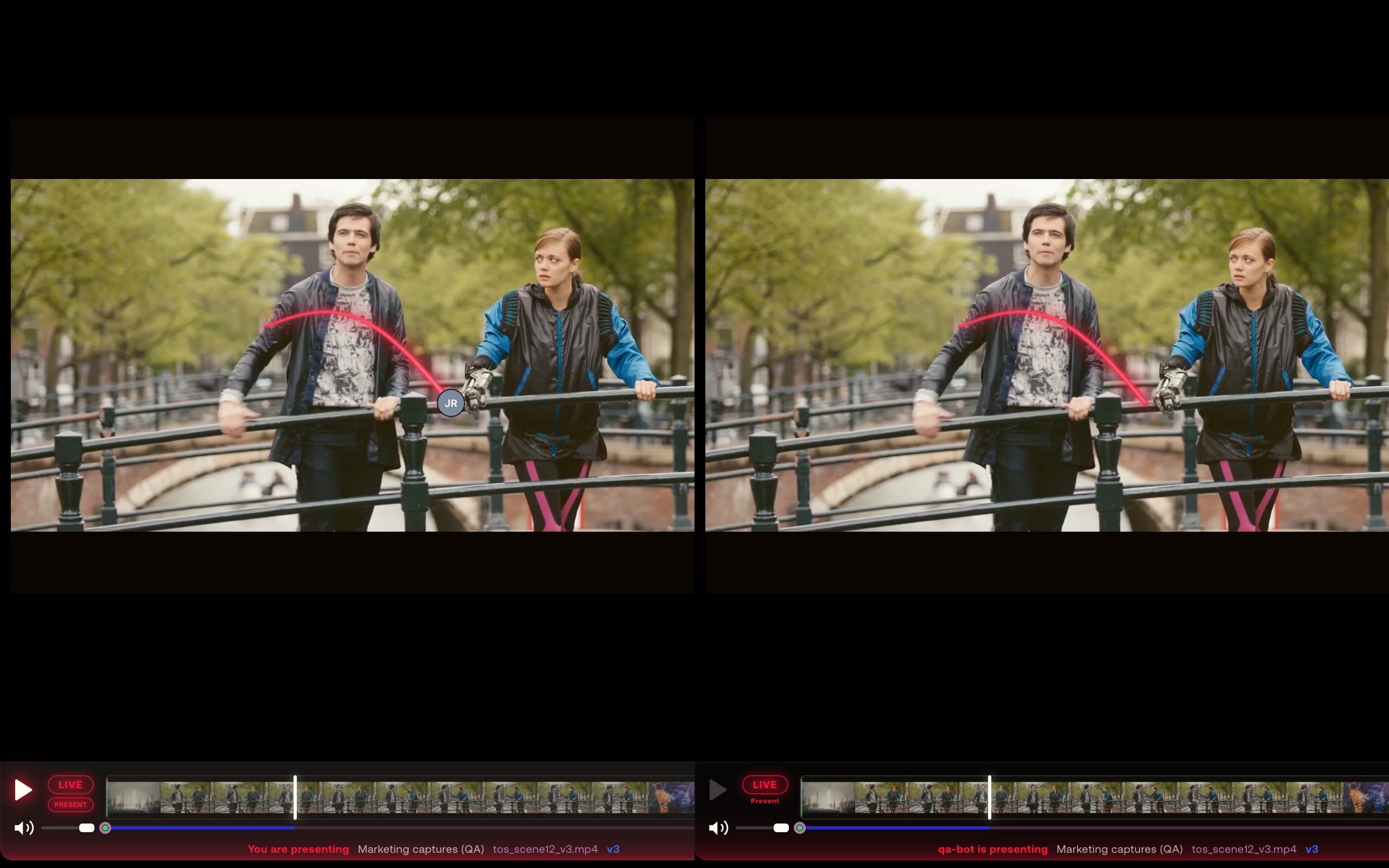
Present when you need one voice
A manager presses PRESENT and the room follows the presenter's every move; viewers keep the laser while paused and everything else waits. Press it again and control is shared once more.
How it works
Three steps, first to last.
- 01
Open a media and press LIVE; anyone who opens the project joins.
- 02
Review as usual — play, seek, zoom, draw — and the room follows.
- 03
Press PRESENT for one voice; press it again to share control.
- Available on
- Free and Pro; per-file share links are Pro
MAS Review is in closed beta. The plans are shown for reference: nothing is on sale and no payment can be taken until a registered company operates MAS Review. Until then every studio runs by invitation.
Related
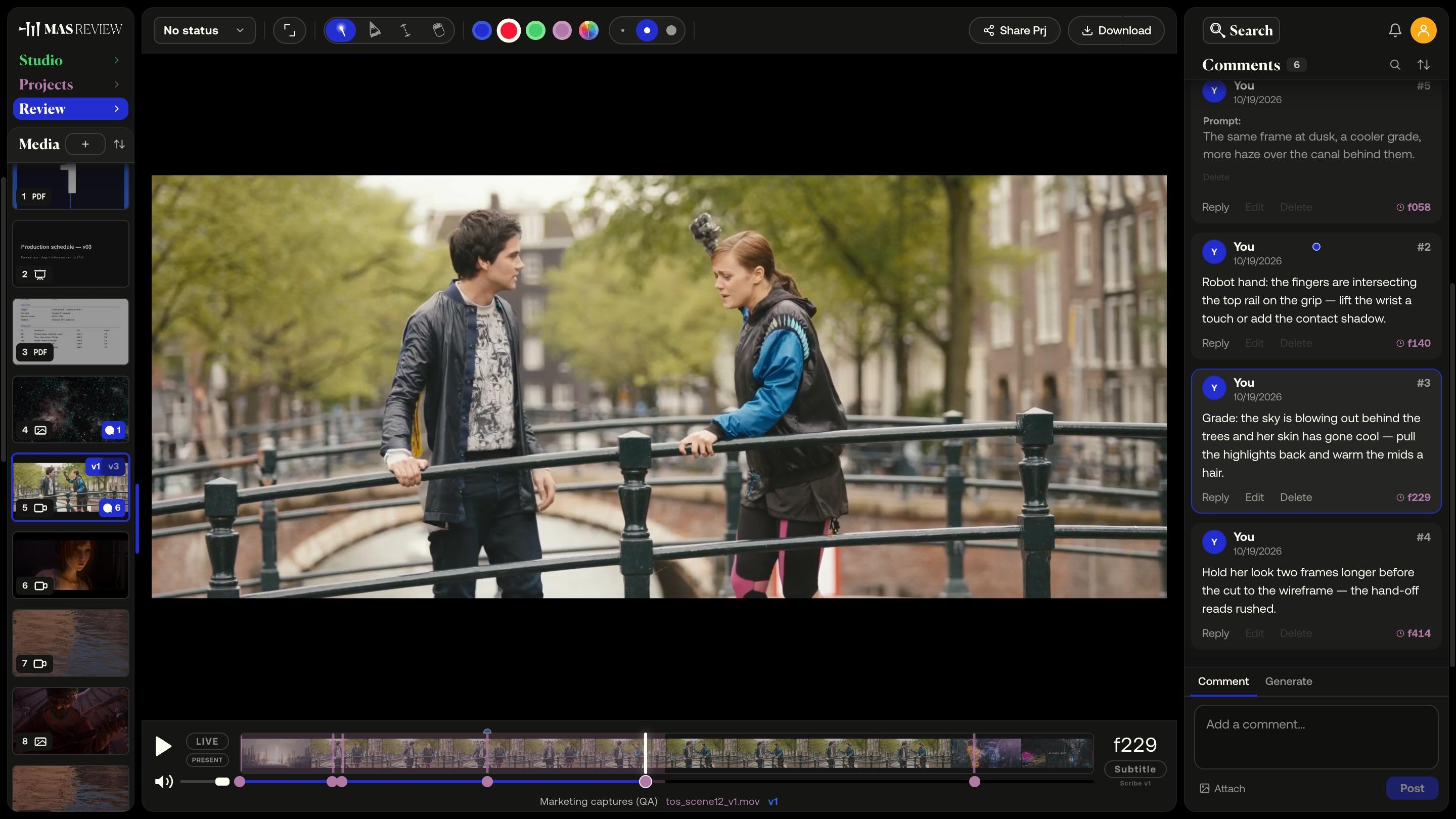
Frame-accurate video comments
A comment pins to the frame you post it on at the clip's true rate — 23.976 stays 23.976 — and sits as a marker on the timeline.
Learn more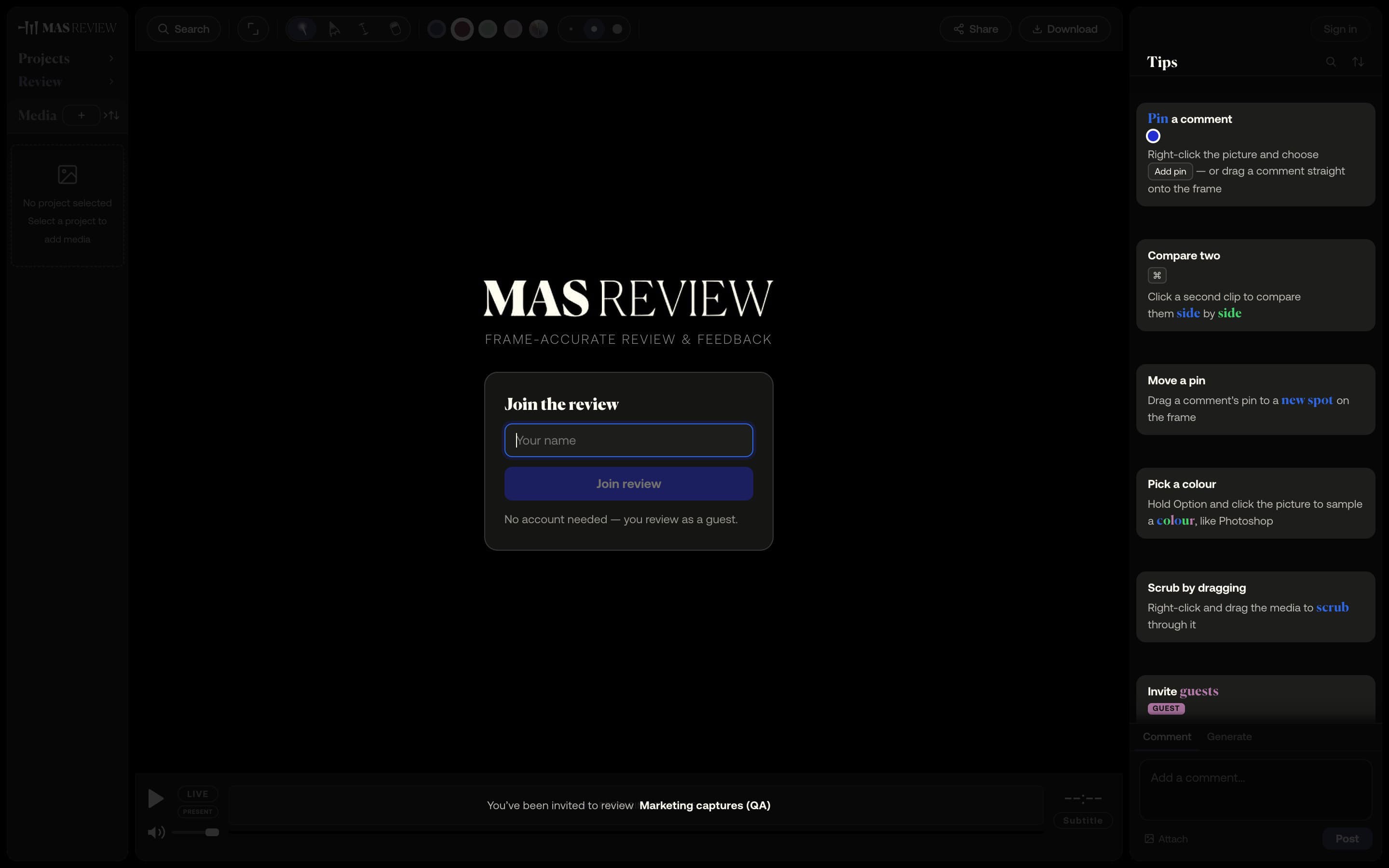
Share links for clients
A link to a project — or, on Pro, a single file. Guests comment, draw and measure in the browser without an account, and never take a seat.
Learn more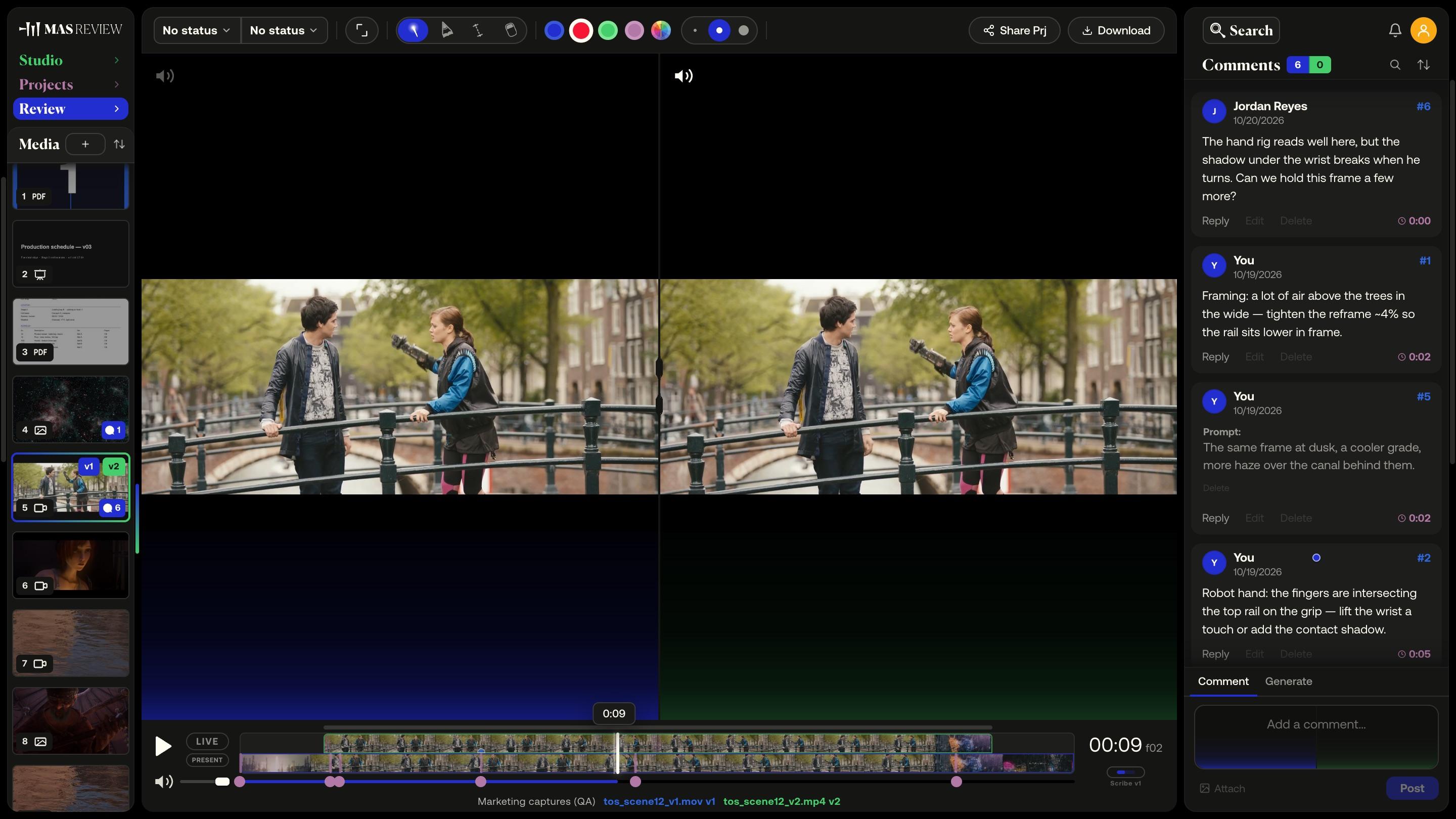
Versions and compare
Stack versions on one tile and compare two side by side: video on a shared timeline with offset, images, PDF pages, or a 3D model against a still.
Learn more
Example footage: Tears of Steel — (CC) Blender Foundation / mango.blender.org, and Sintel — © copyright Blender Foundation / durian.blender.org, both licensed CC BY 3.0.
Excerpts are cut, re-encoded and annotated here. Grand Canyon footage courtesy National Park Service, Grand Canyon National Park. Nebula still: NASA/JPL-Caltech (PIA23646).
3D models: Lantern and Toy Car from the Khronos glTF Sample Assets, CC0. The appearance of any of these works here is not an endorsement of MAS Review by their authors.