Media formats
Drop in the file you have — it opens or it is kept.
Video, stills, documents, audio and 3D go into one project and open in one viewer. 87 file types open; the rest are stored and downloadable under their own names, and the few refusals are named at the door.
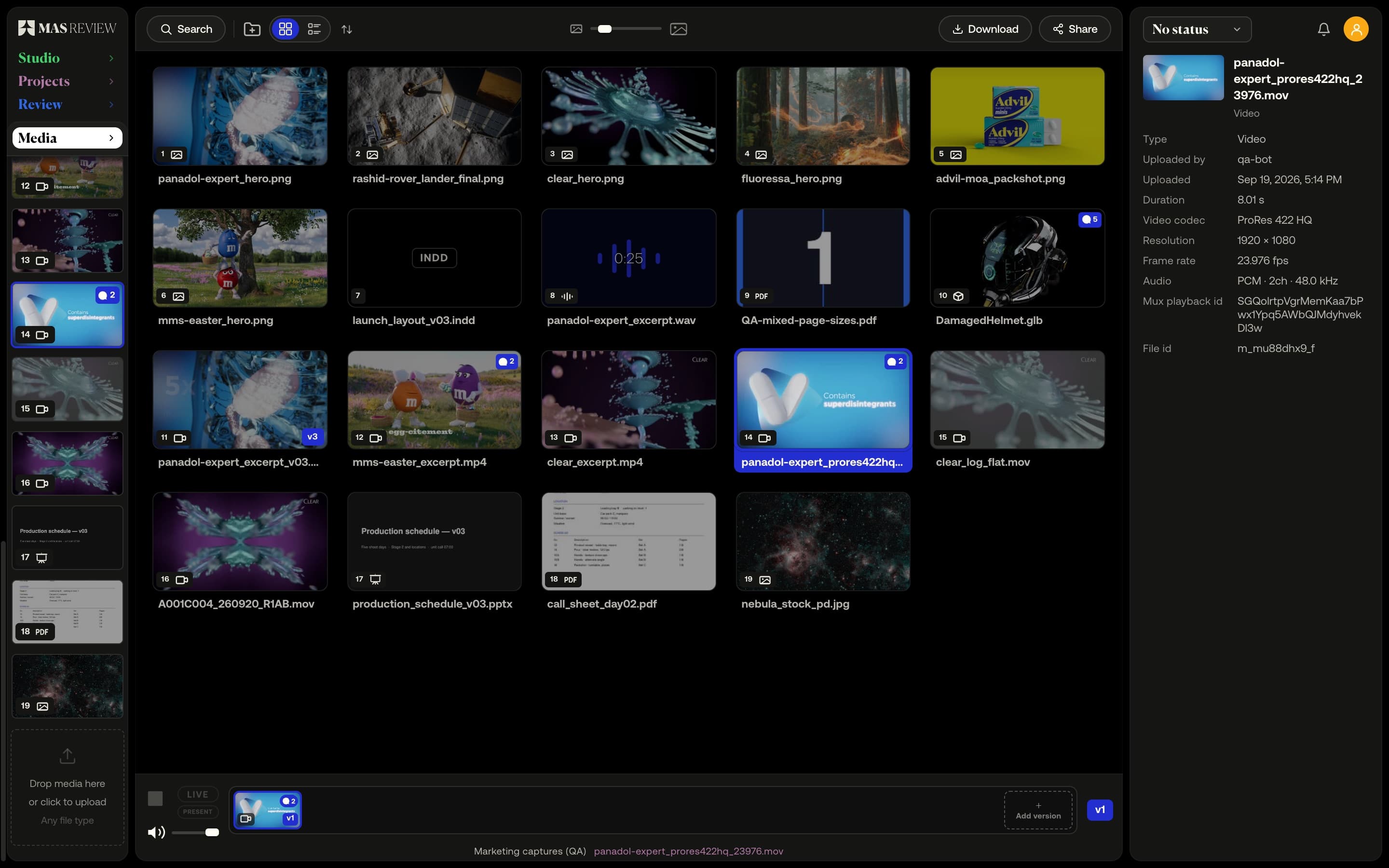
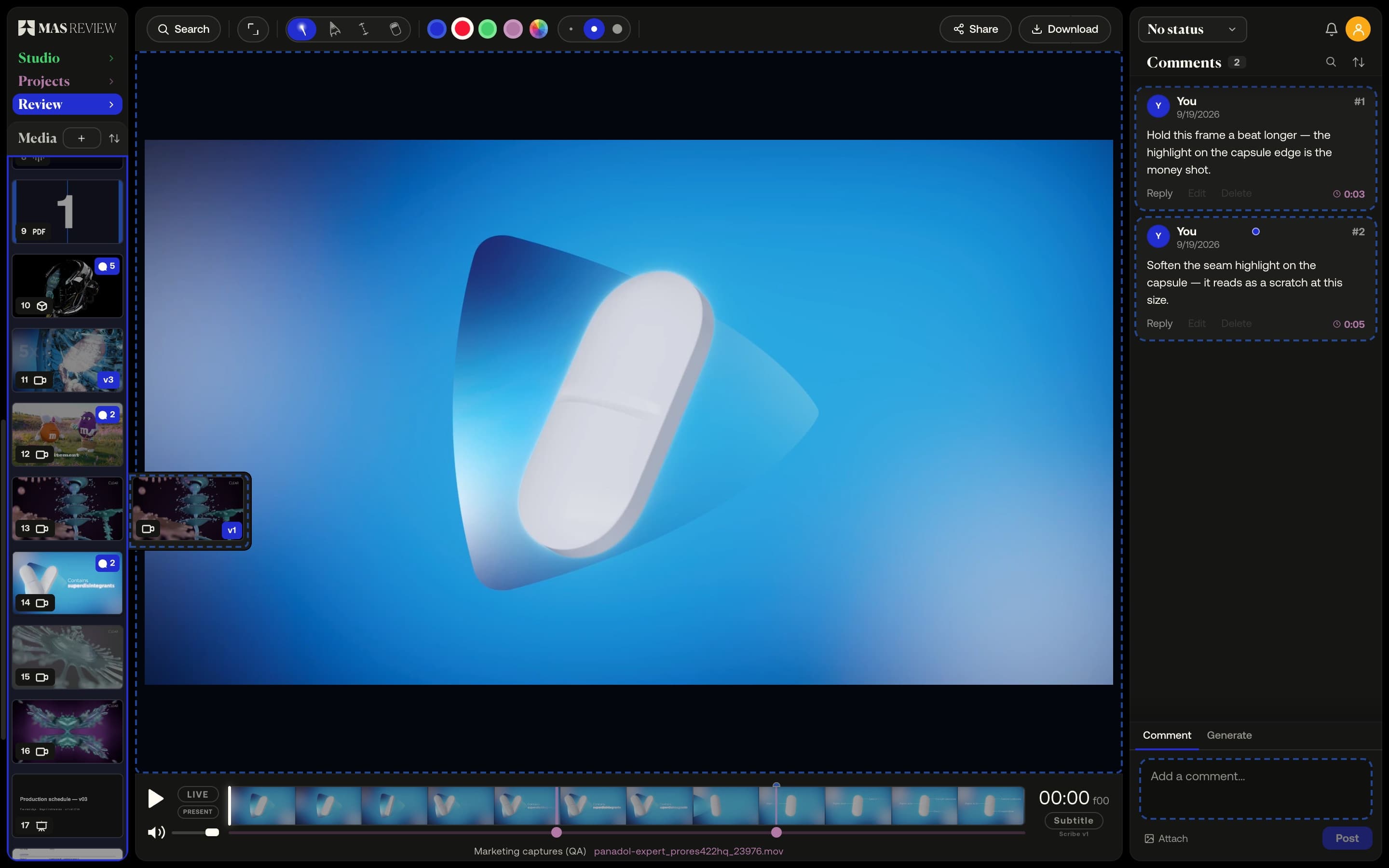
Drop the file you have
87 file types open in the browser — MOV to MXF, JPEG to camera RAW and PSD, PDFs and Office documents, WAV and AIFF, glTF to FBX and Blender. The app works out what it is and how to show it.
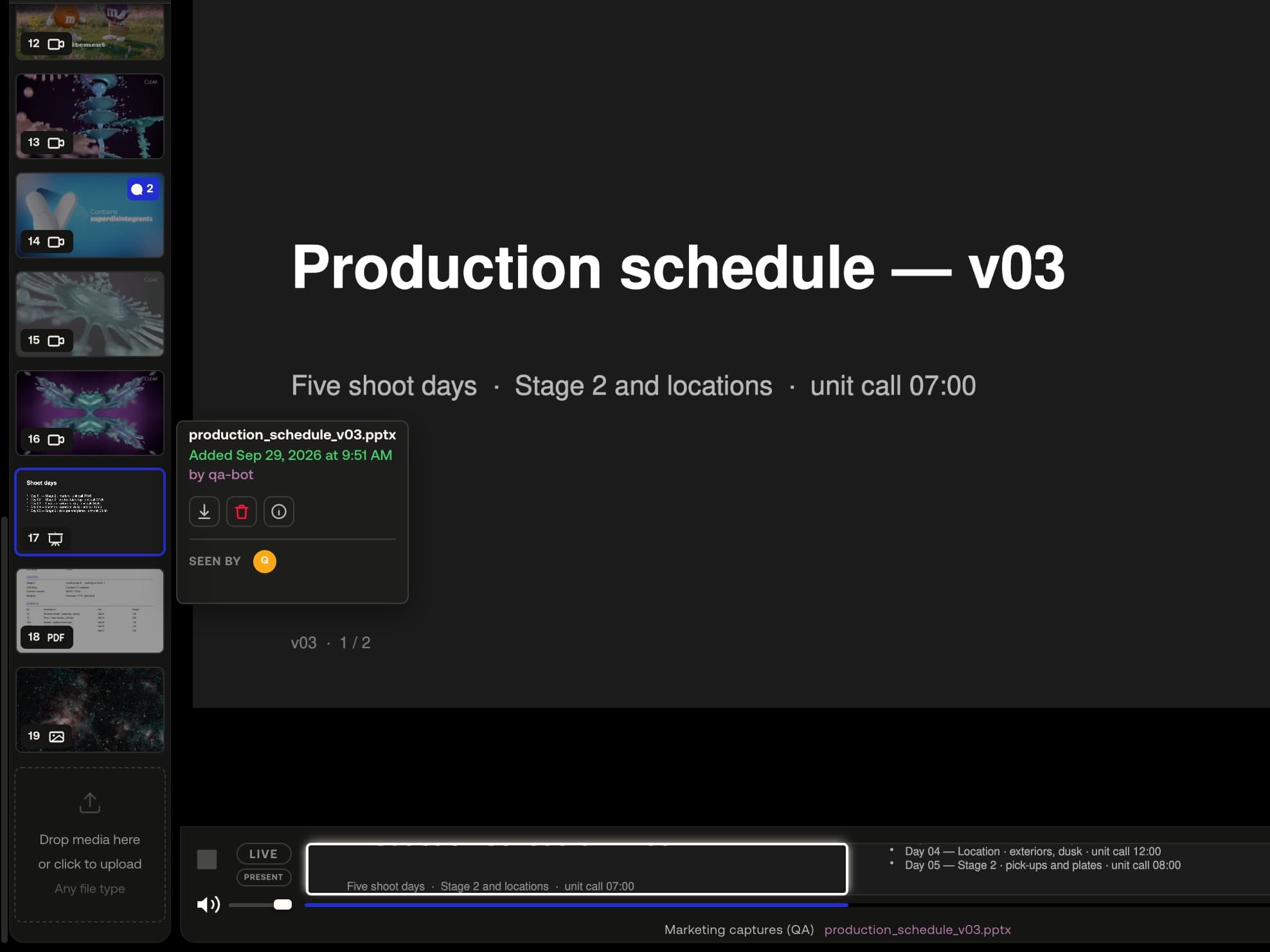
A display copy, the original kept
Where a browser cannot draw a file, a converter makes the copy it can — H.264 for video, a JPEG for RAW and PSD, a PDF for Office files, glTF for FBX and .blend. The file you uploaded is kept exactly as sent.
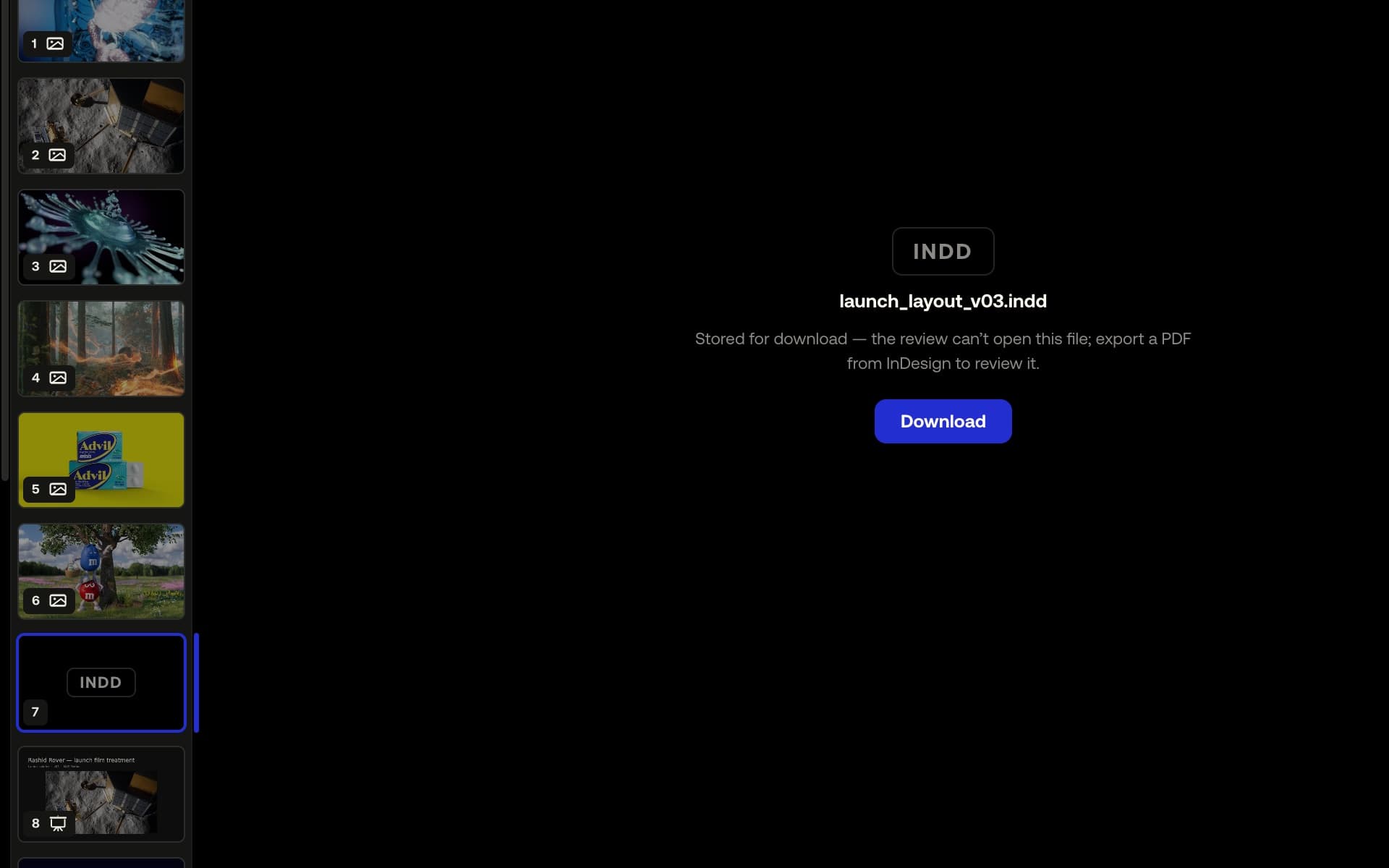
Unopenable files are kept, not refused
A file with no preview still gets a tile, a download and a share — and when a different export would give you a preview, the app says which.
Example footage from commercials produced by Smoke & Mirrors (Tag) and its team. All rights belong to their owners. Their appearance here is not an endorsement of MAS Review.
3D model: “Damaged Helmet” © 2018 ctxwing, licensed CC BY 4.0, rebuilt from the 2016 model by theblueturtle_ (via the Khronos glTF sample assets).
How it works
- 01
Drop files into a project; every place a file can land lights up.
- 02
Review it like everything else — comments, drawings, measure and search work on a .pptx or an FBX as on a PDF or a GLB.
- 03
Download the original: the .docx, not the PDF; the .aiff, not the AAC; the .CR2, not the JPEG.
At a glance
- 87 types: 38 still, 11 video, 9 audio, 17 document, 12 3D.
- Video encodes to H.264; camera RAW, PSD and HEIC get JPEG copies.
- Word, PowerPoint, Excel, Keynote and screenplays become a PDF.
- FBX, OBJ, STL, USD, Alembic and .blend convert to glTF.
- Available on
- Free and Pro; file size (2 GB / 25 GB) and playback resolution (1080p / 4K (2160p)) differ by plan
MAS Review is in closed beta. The plans are shown for reference: nothing is on sale and no payment can be taken until a registered company operates MAS Review. Until then every studio runs by invitation.
Related
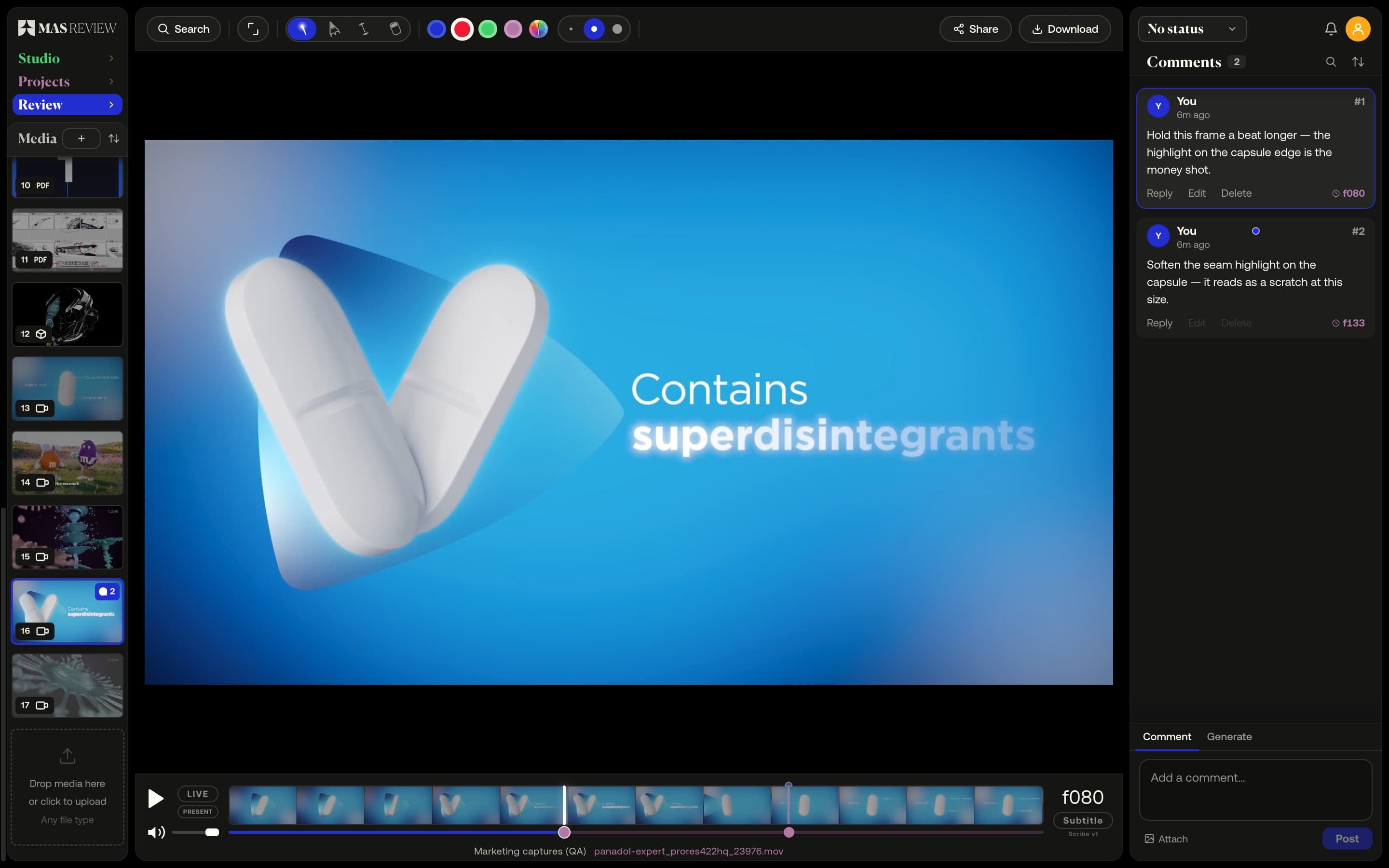
Frame-accurate video comments
A comment pins to the frame you post it on at the clip's true rate — 23.976 stays 23.976 — and sits as a marker on the timeline.
Learn more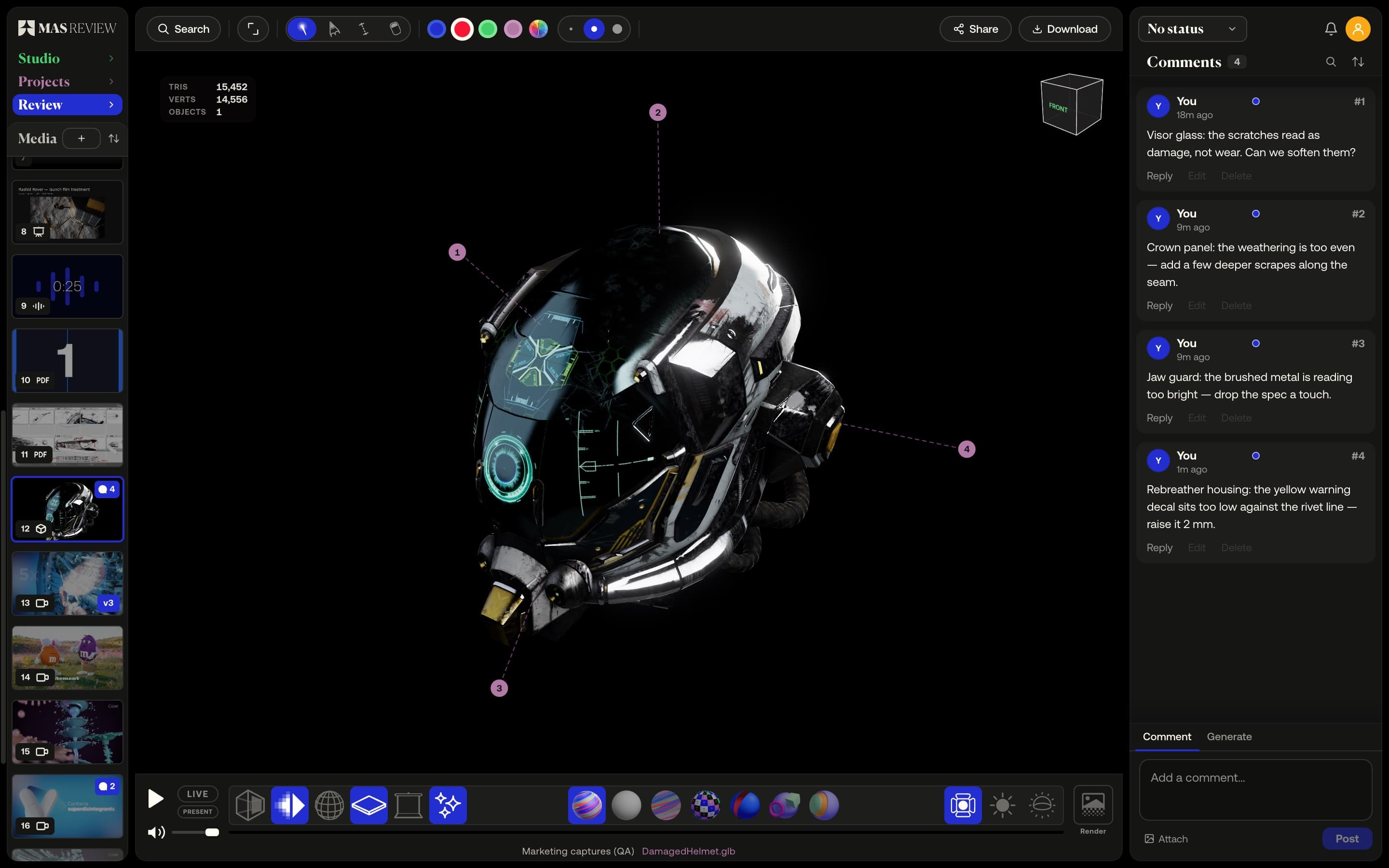
Pins and measure on 3D
Comments pin to a point on the model's surface and fly the camera back. Measure in the model's units; switch shading and wireframe.
Learn more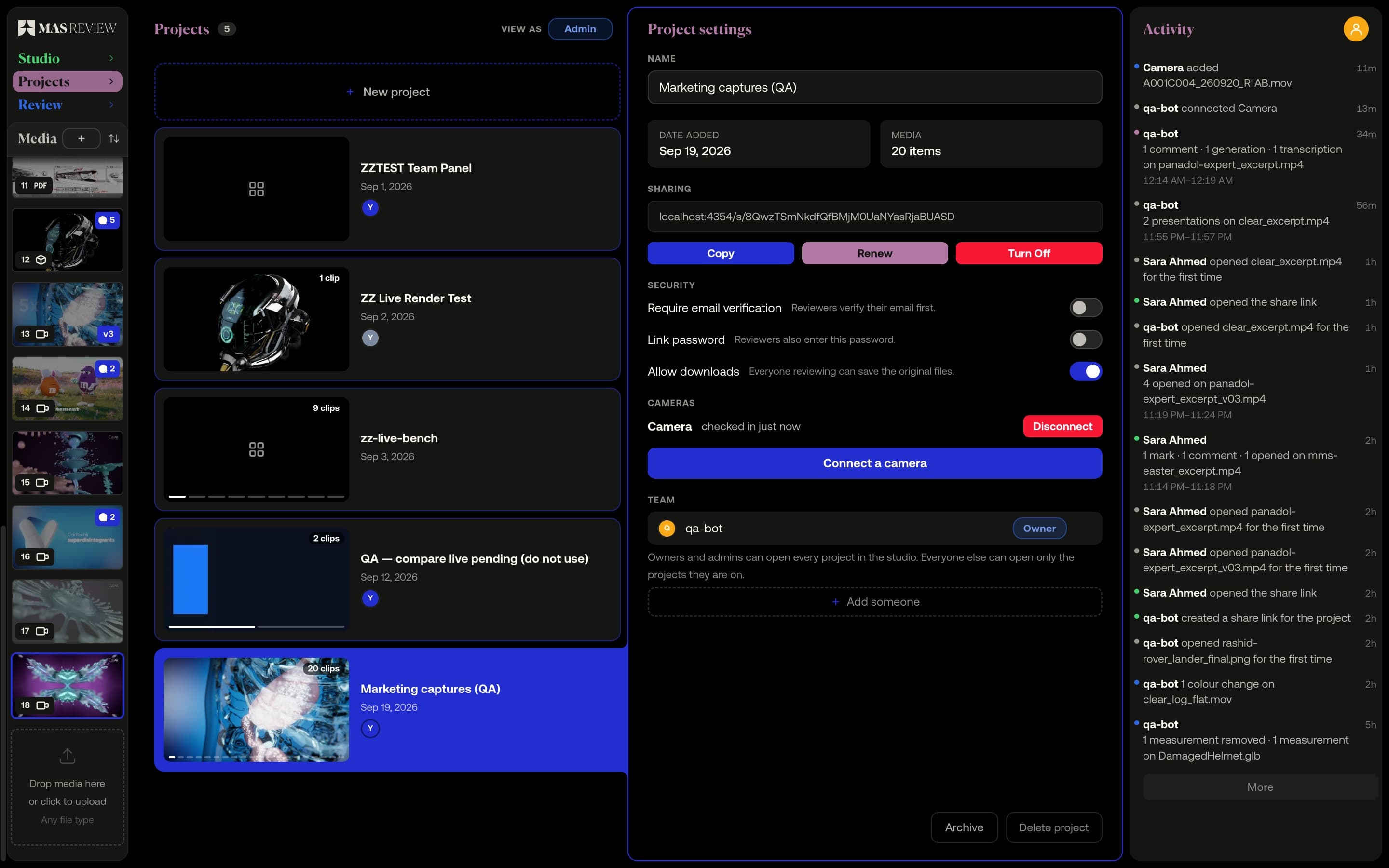
Camera to Cloud
A Mac app watches a folder on the DIT station. Every clip copied in uploads to the project by itself and arrives playable and commentable. Pro.
Learn more