3D review
Review the model itself, not a screenshot of it.
A comment sticks to a point on the model's surface and remembers the view it was written from. Measure a part or a distance in the model's own units, and switch how the surface is shown.
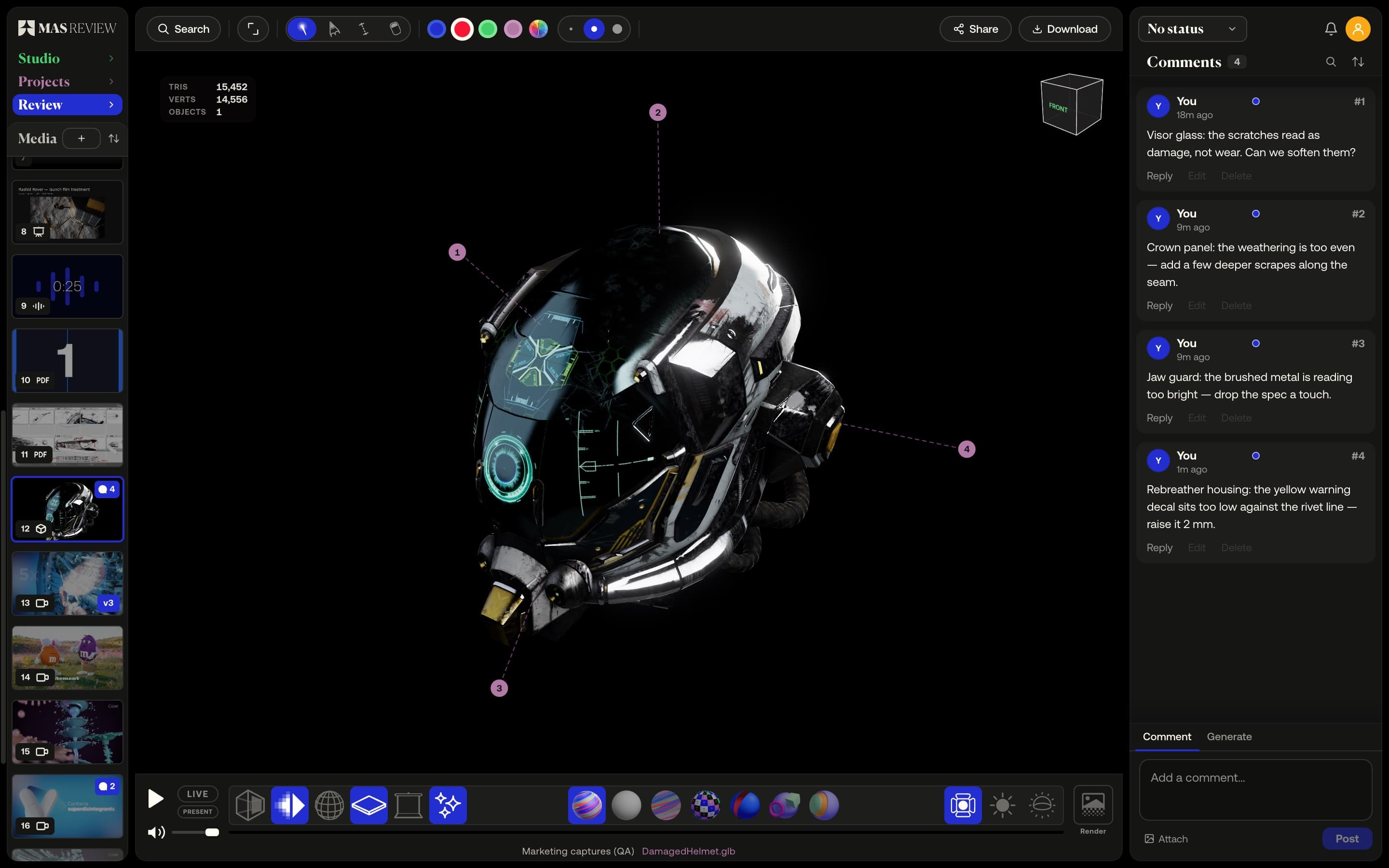
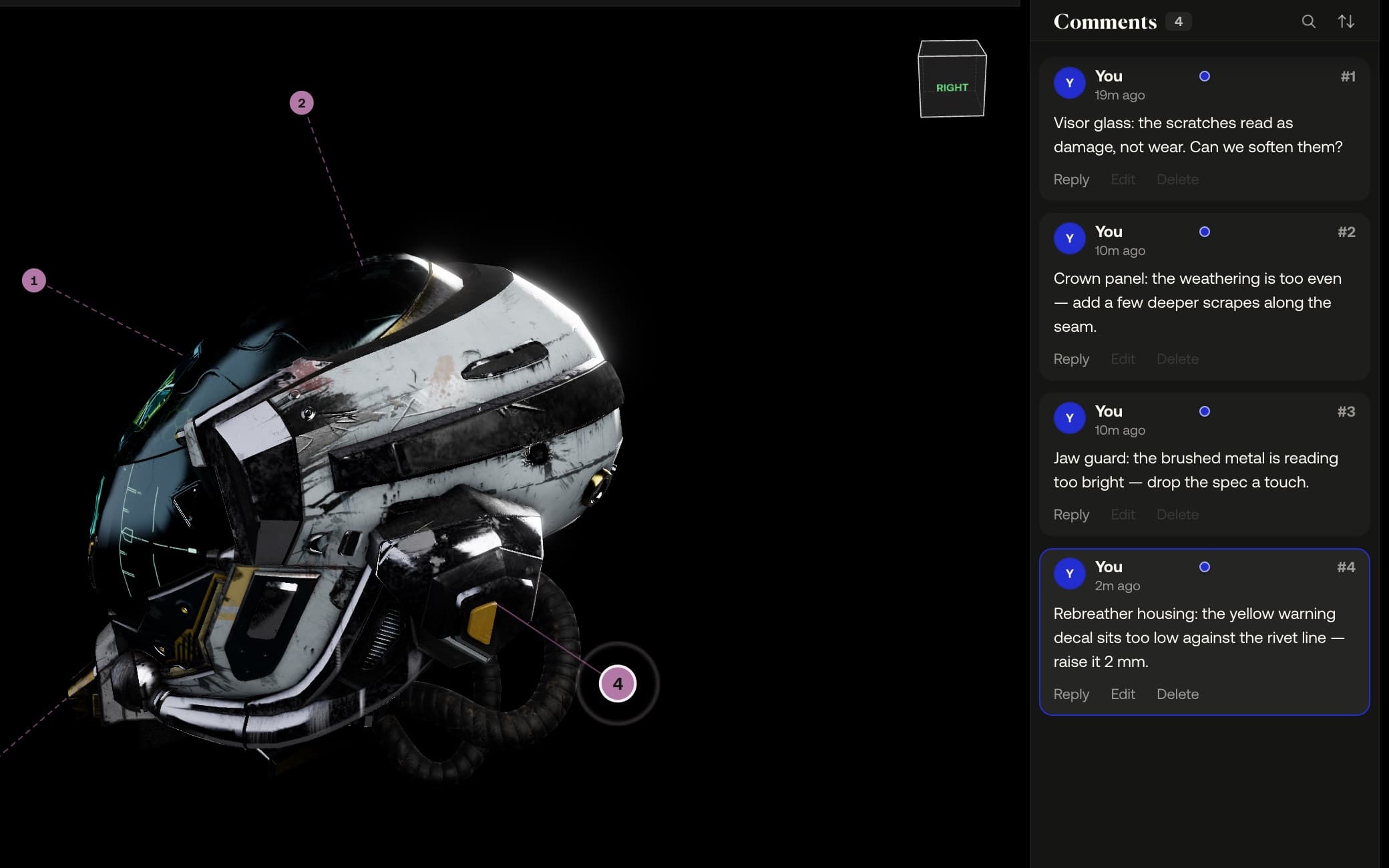
The view comes with the note
A comment on a 3D file is a pin on the surface. It records the point and the camera you were looking from, so selecting it later flies the camera back to the same view.
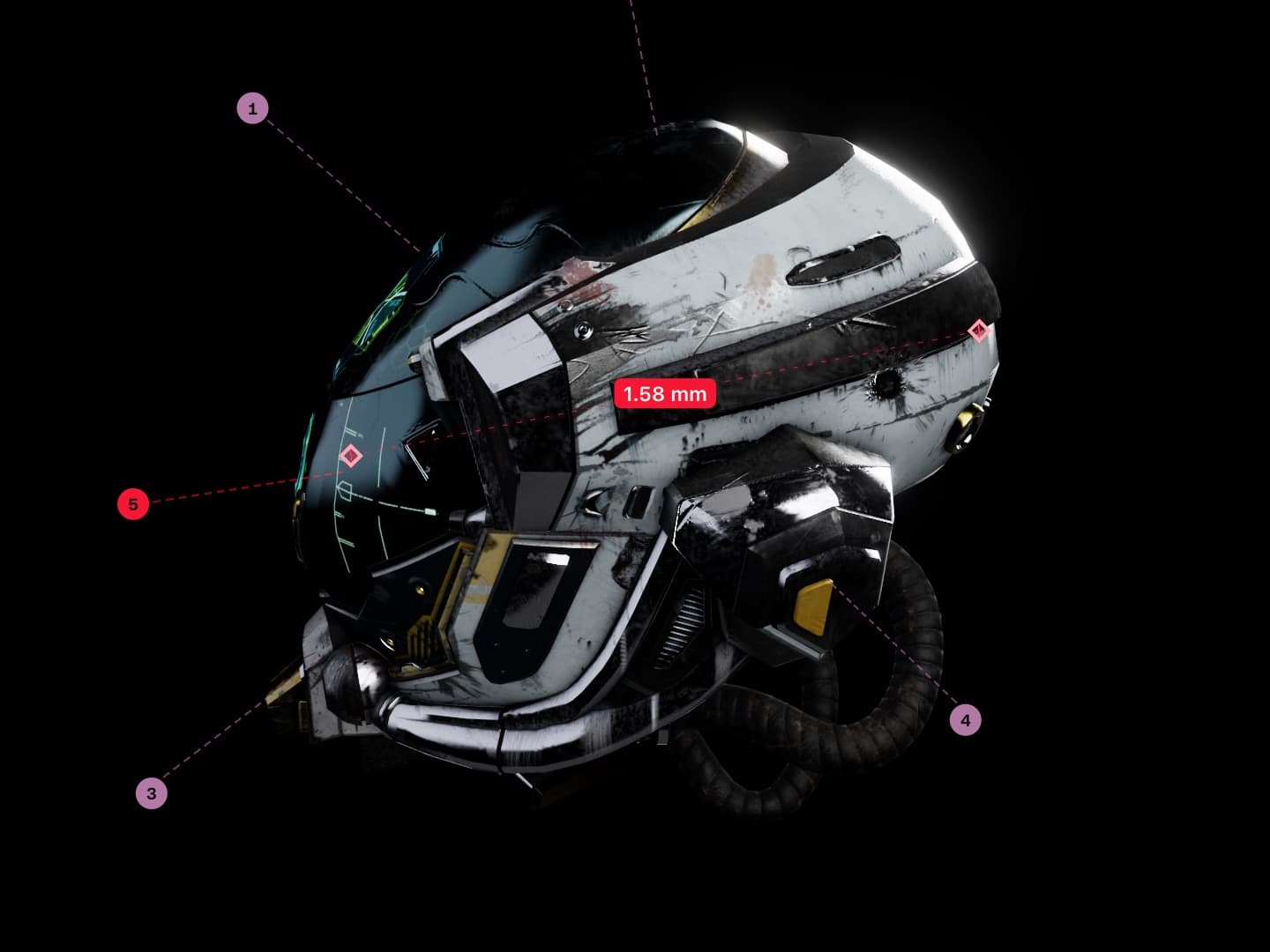
Measure in the model's units
Hover a part to read its size, click to keep the reading, or drag a tape between two points — the ends snap to vertices. Correct the unit and every mark updates.
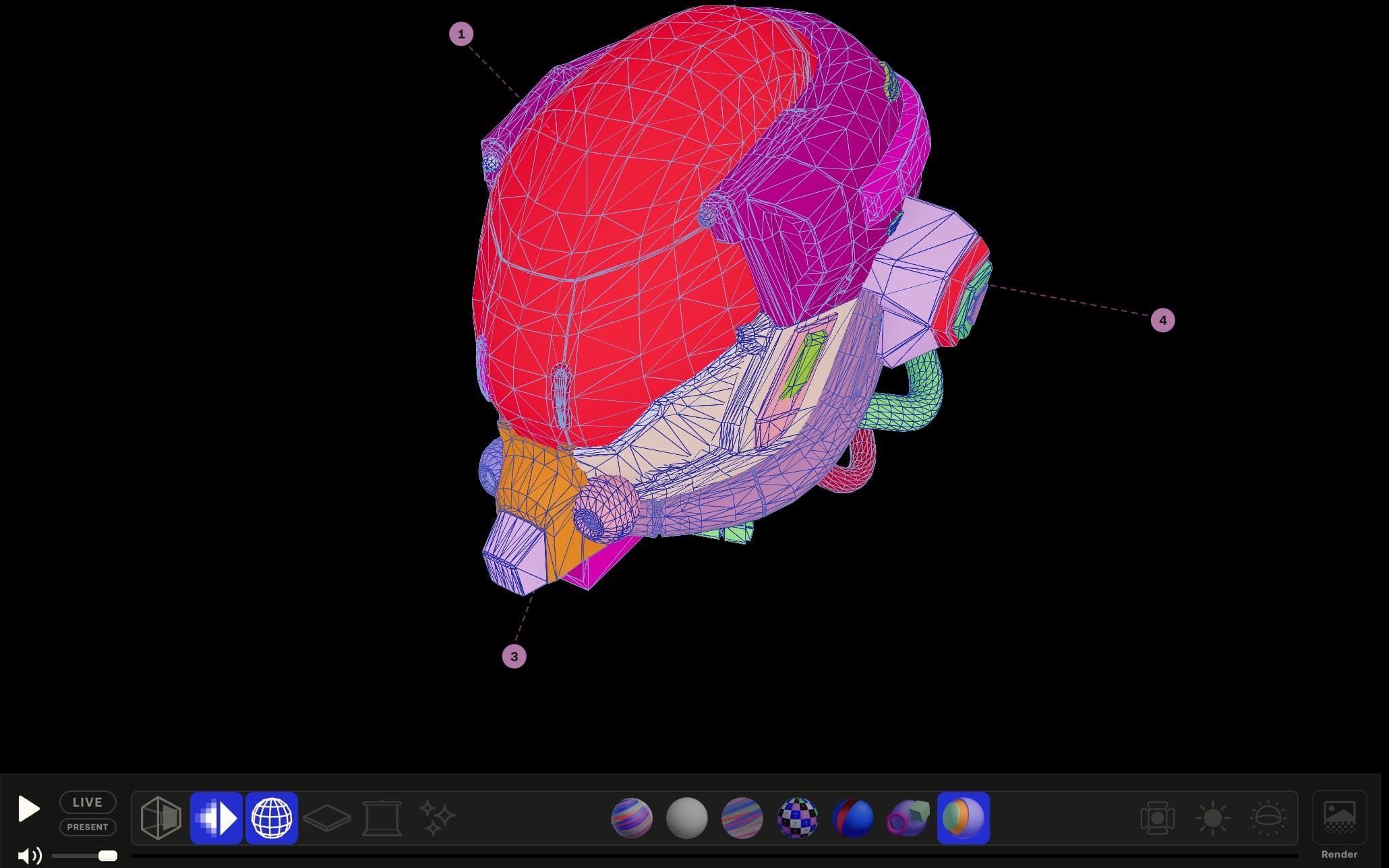
Switch how the surface is shown
Display modes swap the surface for a grey sculpt read, the bare texture, a UV checker, a backface check or a colour per part, and wireframe draws over any of them.
Example footage from commercials produced by Smoke & Mirrors (Tag) and its team. All rights belong to their owners. Their appearance here is not an endorsement of MAS Review.
3D model: “Damaged Helmet” © 2018 ctxwing, licensed CC BY 4.0, rebuilt from the 2016 model by theblueturtle_ (via the Khronos glTF sample assets).
How it works
- 01
Drop the model in; GLB opens at once, FBX and Blender files convert.
- 02
Write the comment and drag its card onto the model to pin it.
- 03
Pick Measure, then click a part or drag a tape between two points.
At a glance
- Opens GLB and glTF; converts FBX, OBJ, STL, PLY, USD, Alembic, .blend.
- Units: metres, centimetres, millimetres, inches, feet.
- Modes: Shaded, Grey, Texture, UV, Backface, Objects, Elements — wireframe over any.
- Lighting is saved on the file: Studio, Daylight or HDRI.
- Available on
- Free and Pro; cloud rendering on Pro (1 Generation credit per render)
MAS Review is in closed beta. The plans are shown for reference: nothing is on sale and no payment can be taken until a registered company operates MAS Review. Until then every studio runs by invitation.
Related
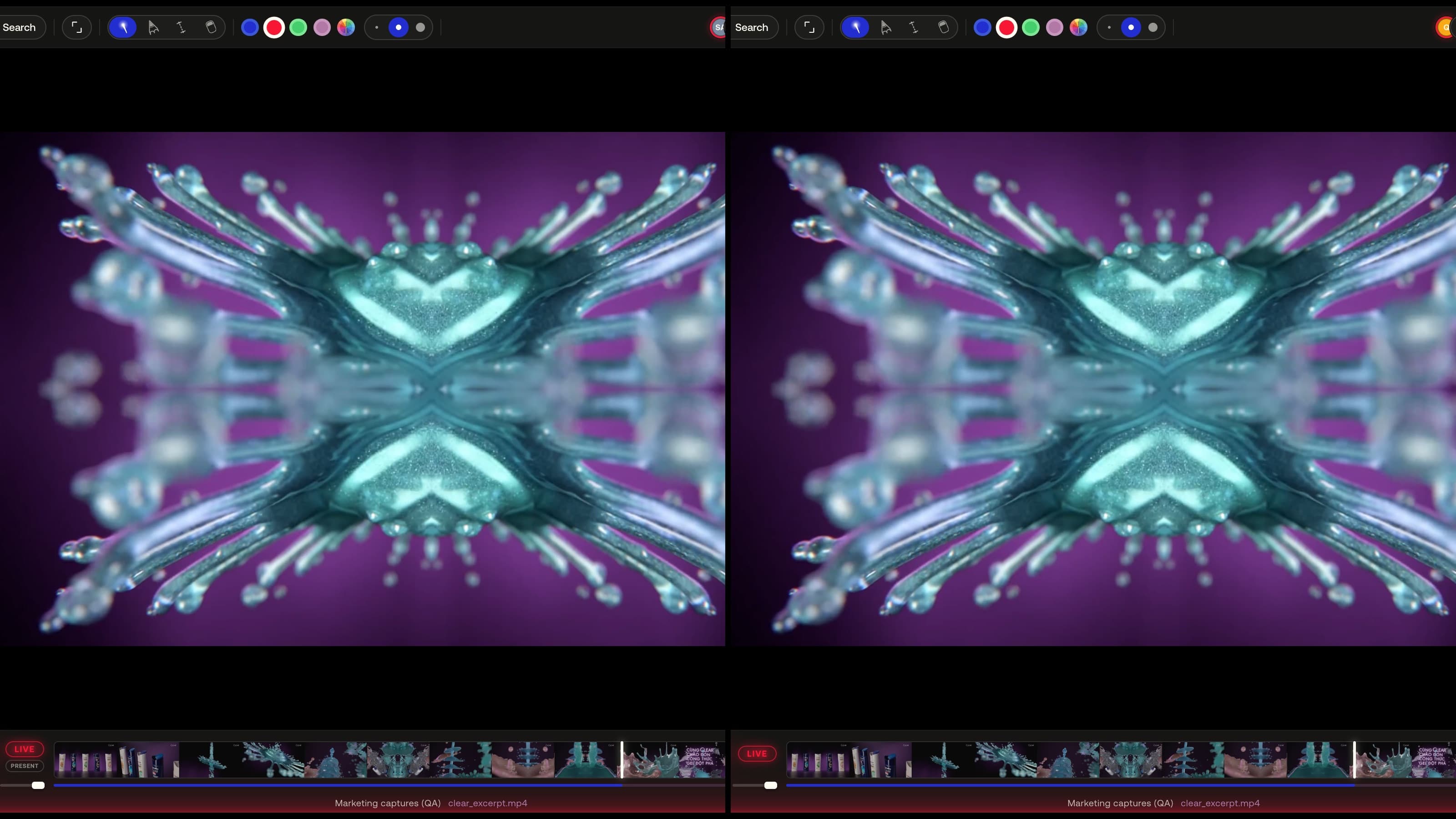
Live sessions
Everyone in the session follows the same view — play, seek, zoom, 3D camera and page turns stay in sync — or hand the room to one presenter.
Learn more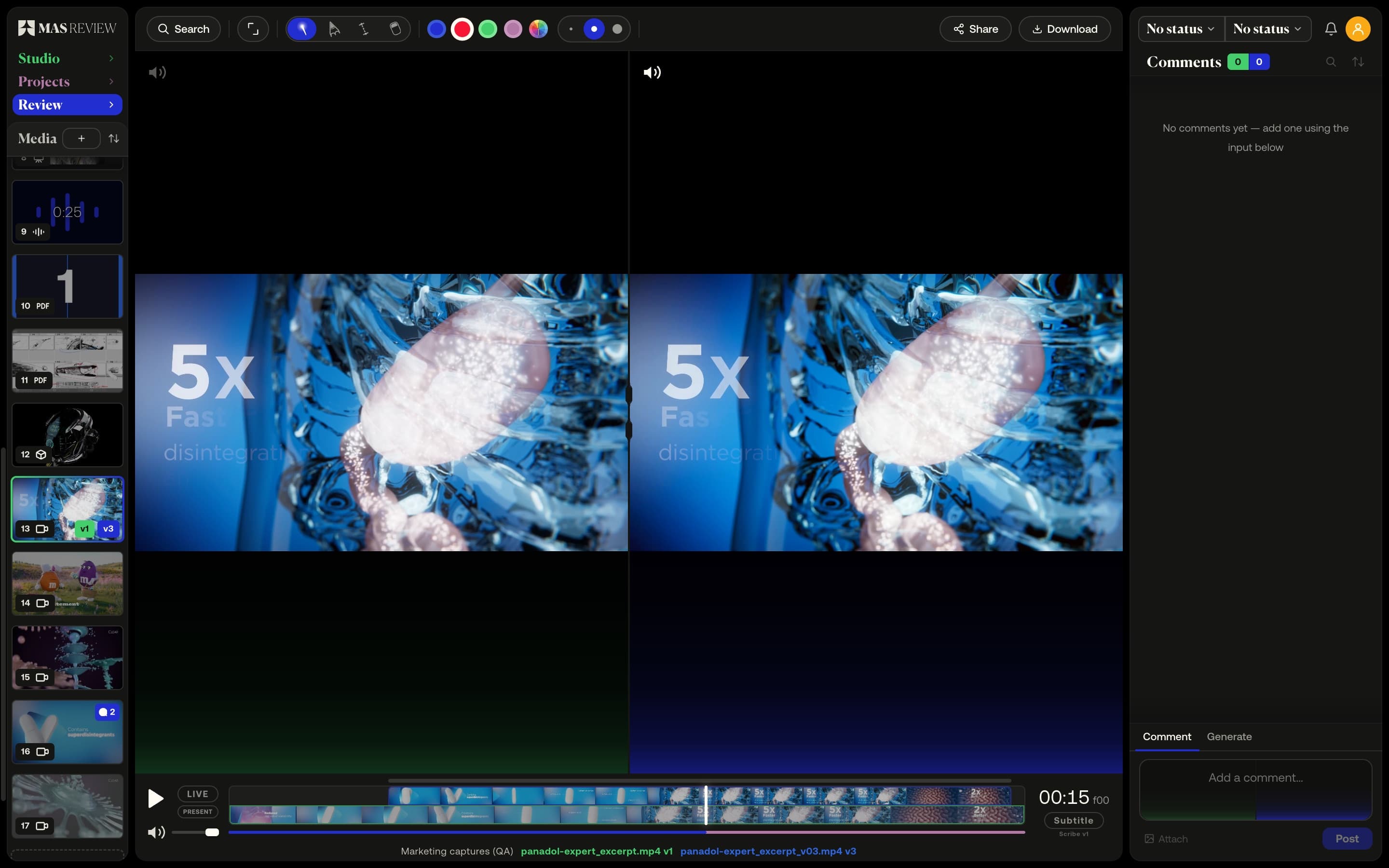
Versions and compare
Stack versions on one tile and compare two side by side: video on a shared timeline with offset, images, PDF pages, or a 3D model against a still.
Learn more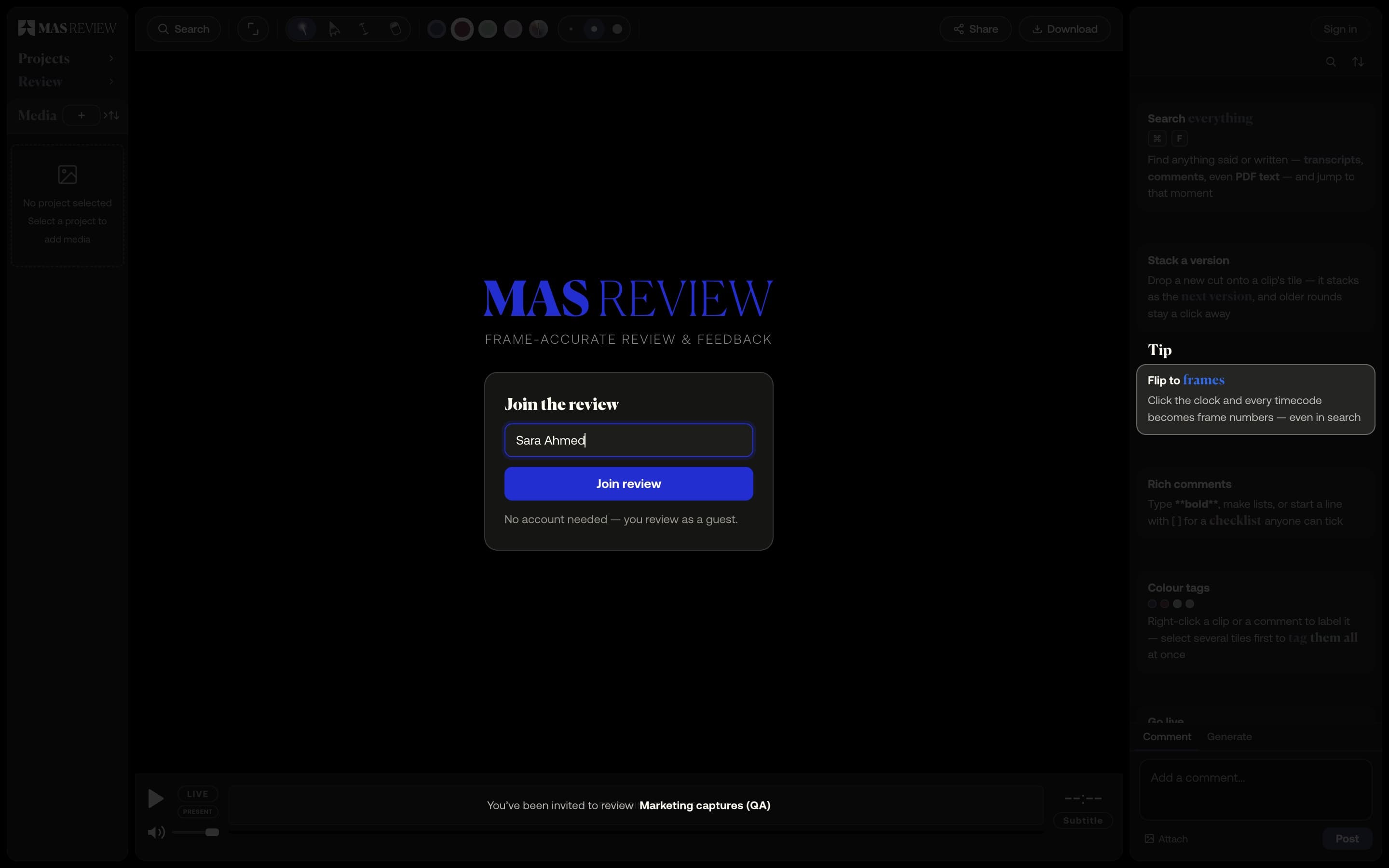
Share links for clients
A link to a project — or, on Pro, a single file. Guests comment, draw and measure in the browser without an account, and never take a seat.
Learn more