Colour management
Review log footage as a picture, not a flat file.
Pick the camera's log or load a .cube LUT once, on the file. Everyone who opens it sees the same conversion, and the .mp4 download matches the screen.
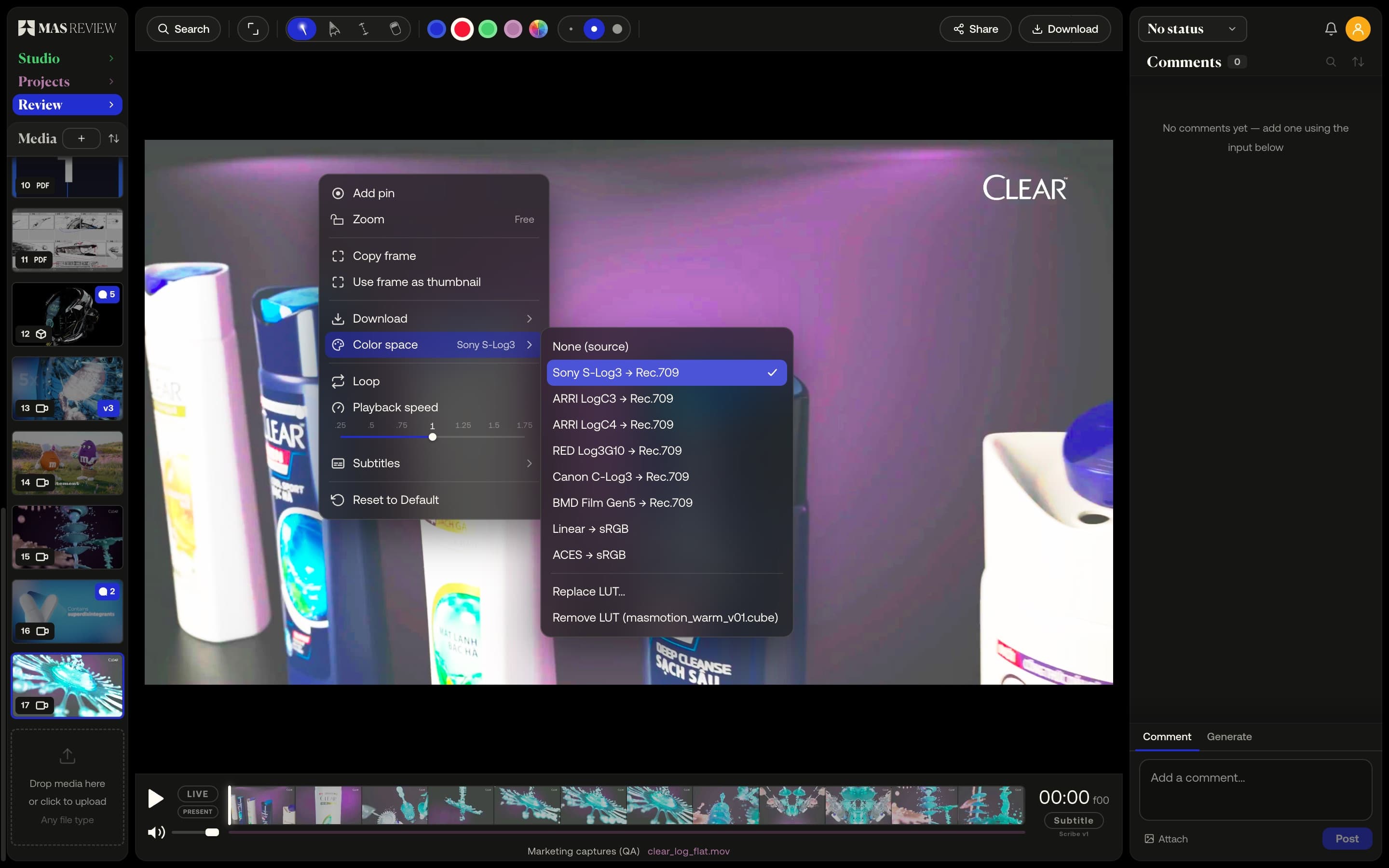
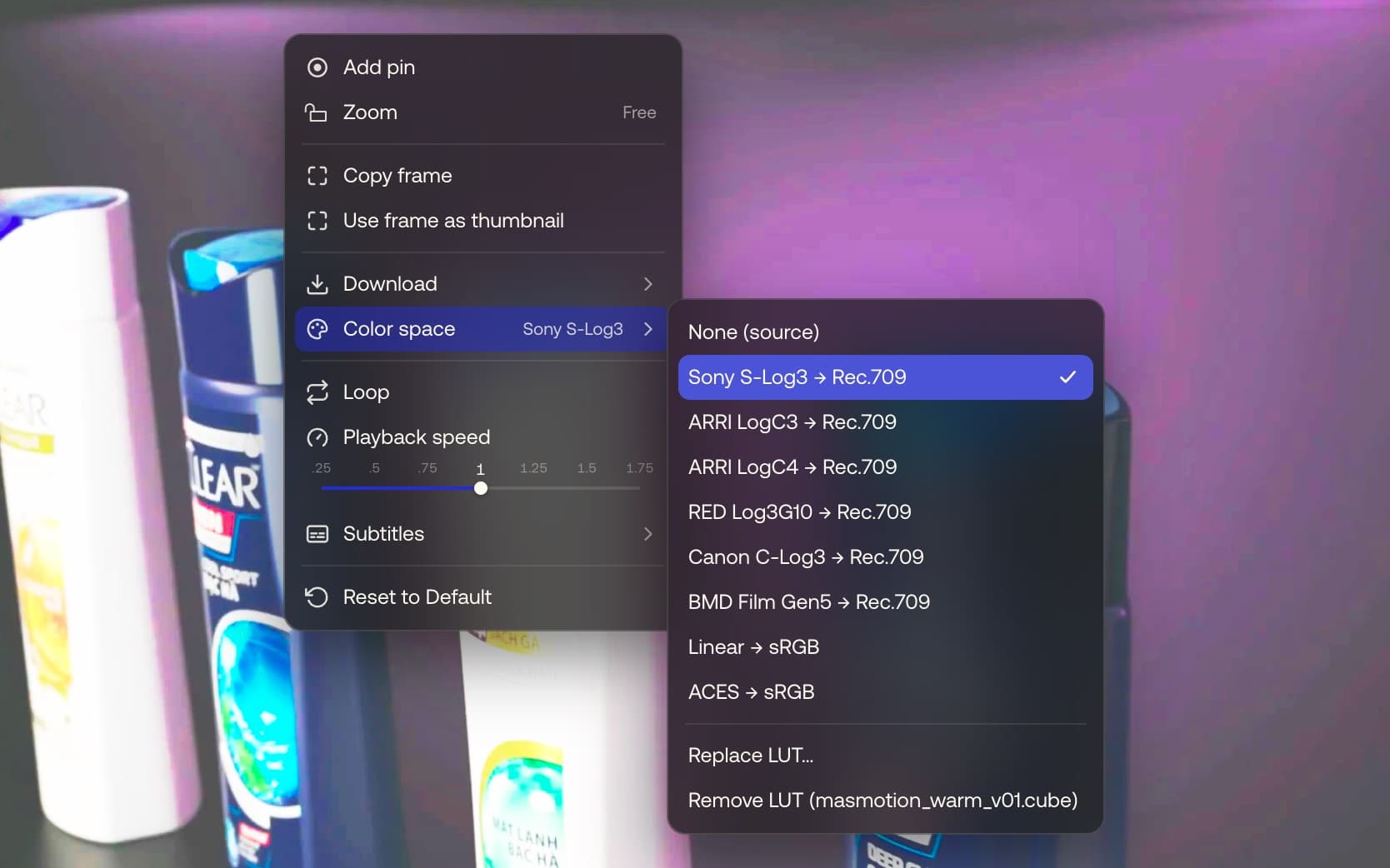
Set once, on the file
Choose the camera's log from a menu and the clip is shown normalised to Rec.709 on the stage, in its thumbnail and along the filmstrip. Whatever you set is stored with the file, so the next person sees the same thing.
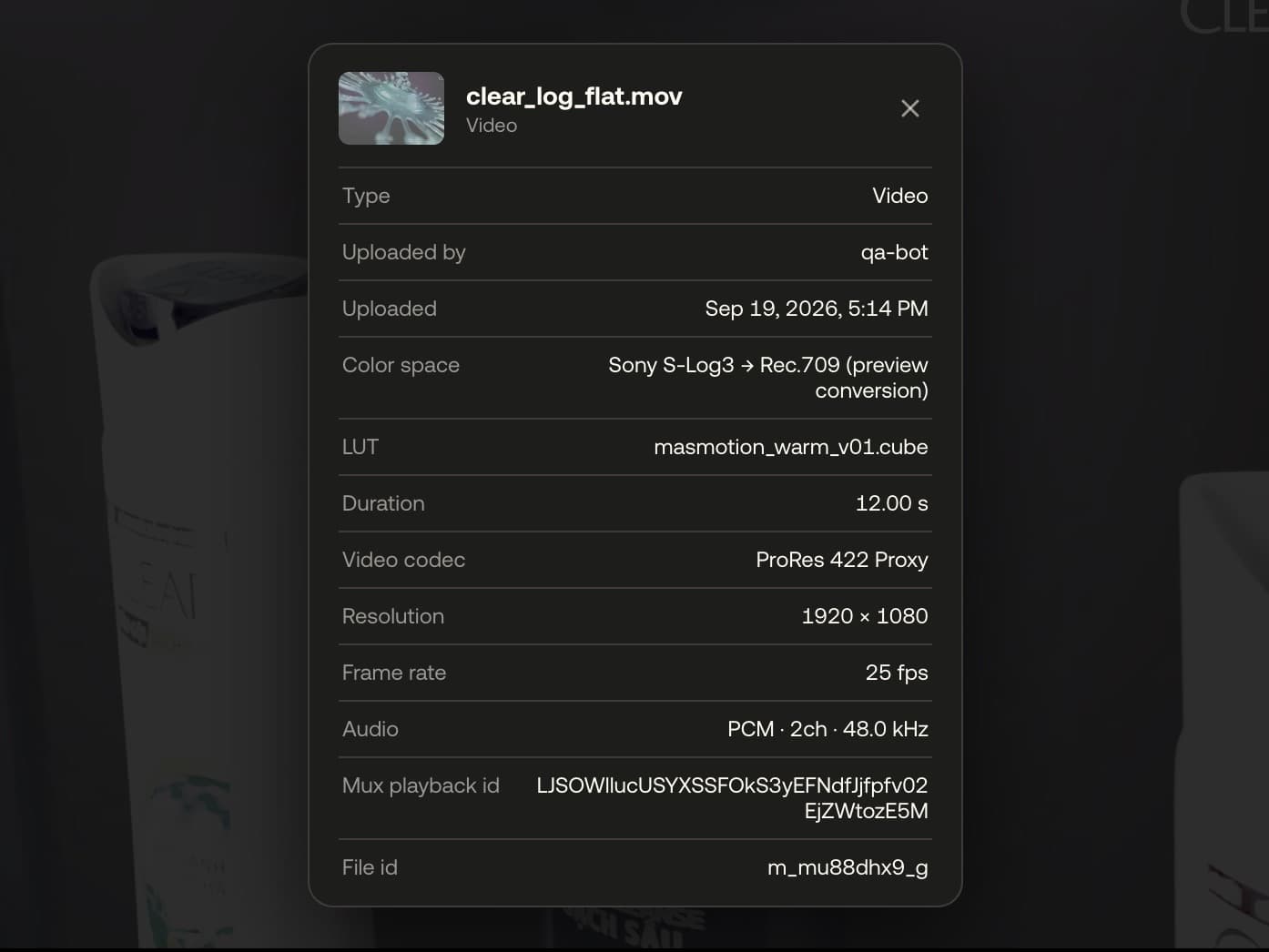
Your own .cube LUT
Load a .cube file from the same menu. It is stored beside the media and applied on the GPU after the conversion, so a look LUT can stack on top.
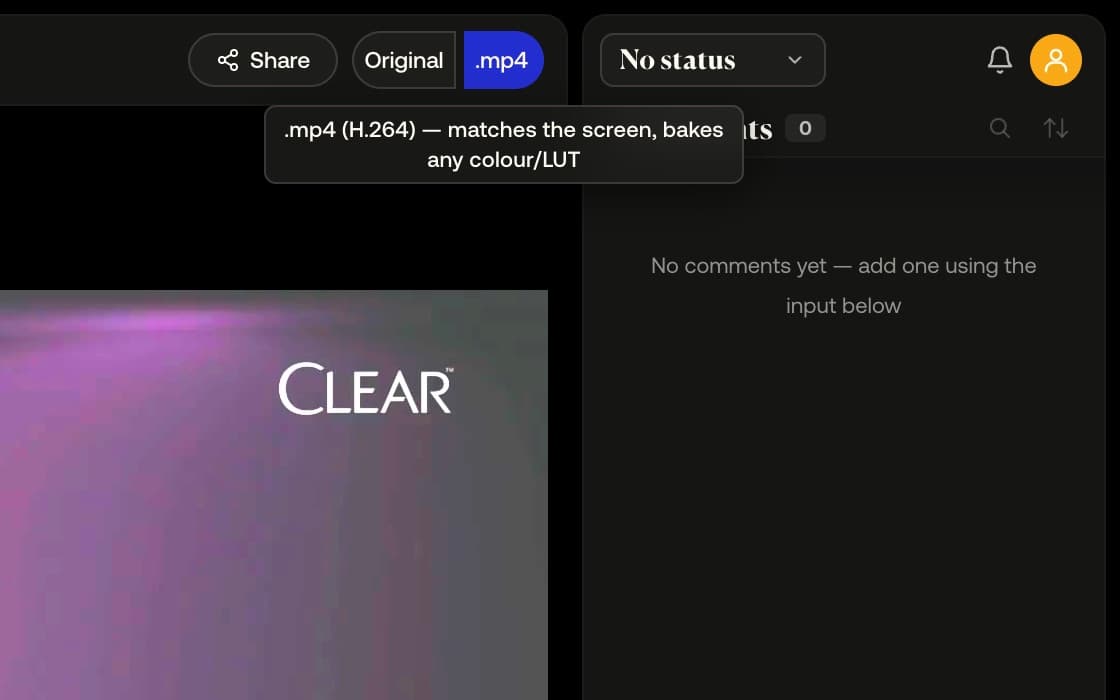
The download matches the screen
Choose .mp4 (H.264) and the clip re-encodes with the conversion and LUT baked in, saved as name_graded.mp4. Original always downloads the exact file you uploaded.
Example footage from commercials produced by Smoke & Mirrors (Tag) and its team. All rights belong to their owners. Their appearance here is not an endorsement of MAS Review.
How it works
- 01
Right-click the picture and open Color space; the matching log reads Suggested.
- 02
Choose the log, or Load LUT… and pick a .cube file.
- 03
Choose .mp4 (H.264) under Download to take the clip as you saw it — conversion and LUT baked in; Original stays the exact upload.
At a glance
- Six camera logs: S-Log3, LogC3, LogC4, Log3G10, C-Log3, Film Gen 5.
- Stills and PDFs: Linear, ACES, Adobe RGB and Display P3 to sRGB.
- .cube LUTs up to 129 points per edge and 16 MB.
- A preview normalisation to Rec.709, not a grade; the original is untouched.
- Available on
- Free and Pro
MAS Review is in closed beta. The plans are shown for reference: nothing is on sale and no payment can be taken until a registered company operates MAS Review. Until then every studio runs by invitation.
Related
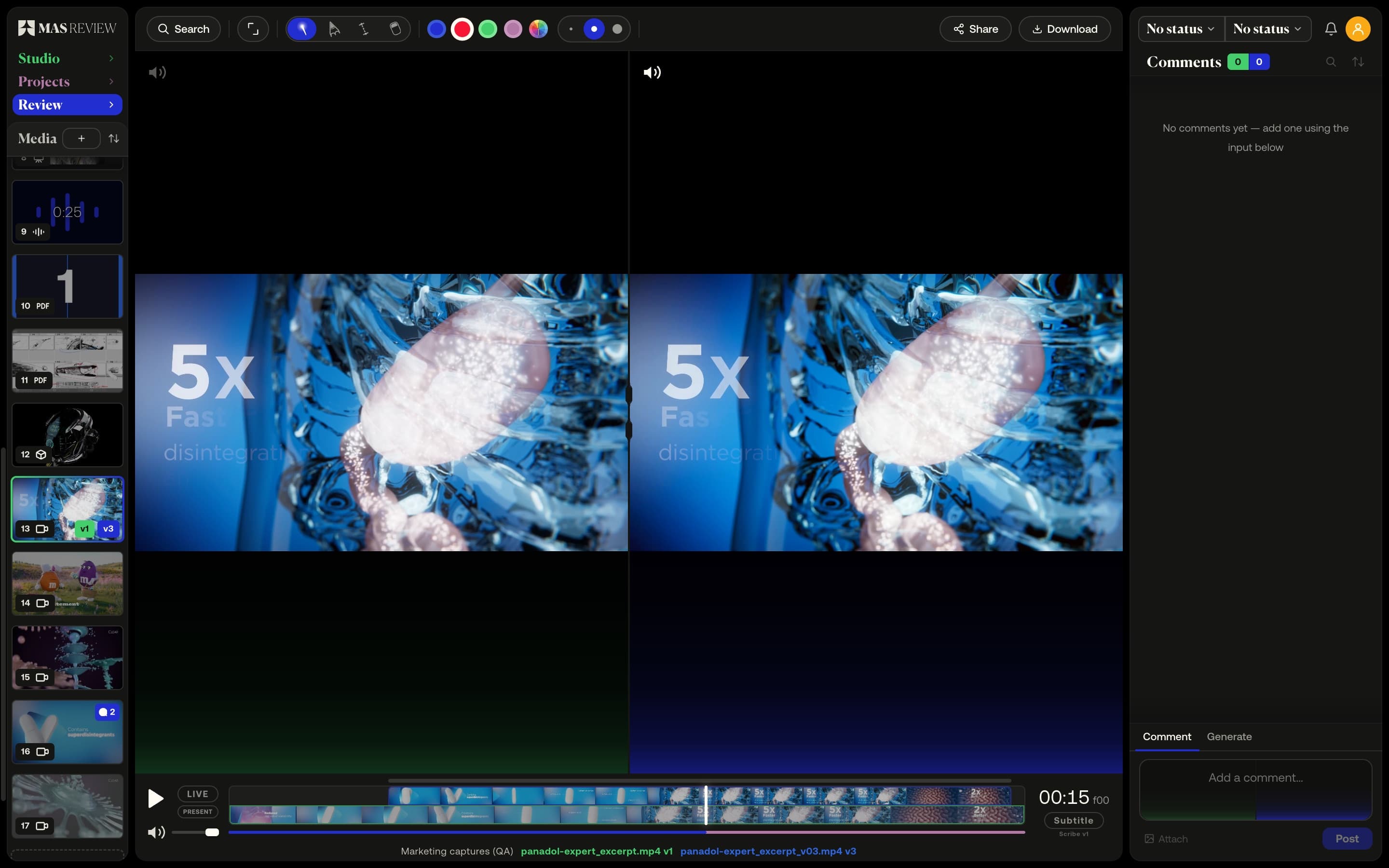
Versions and compare
Stack versions on one tile and compare two side by side: video on a shared timeline with offset, images, PDF pages, or a 3D model against a still.
Learn more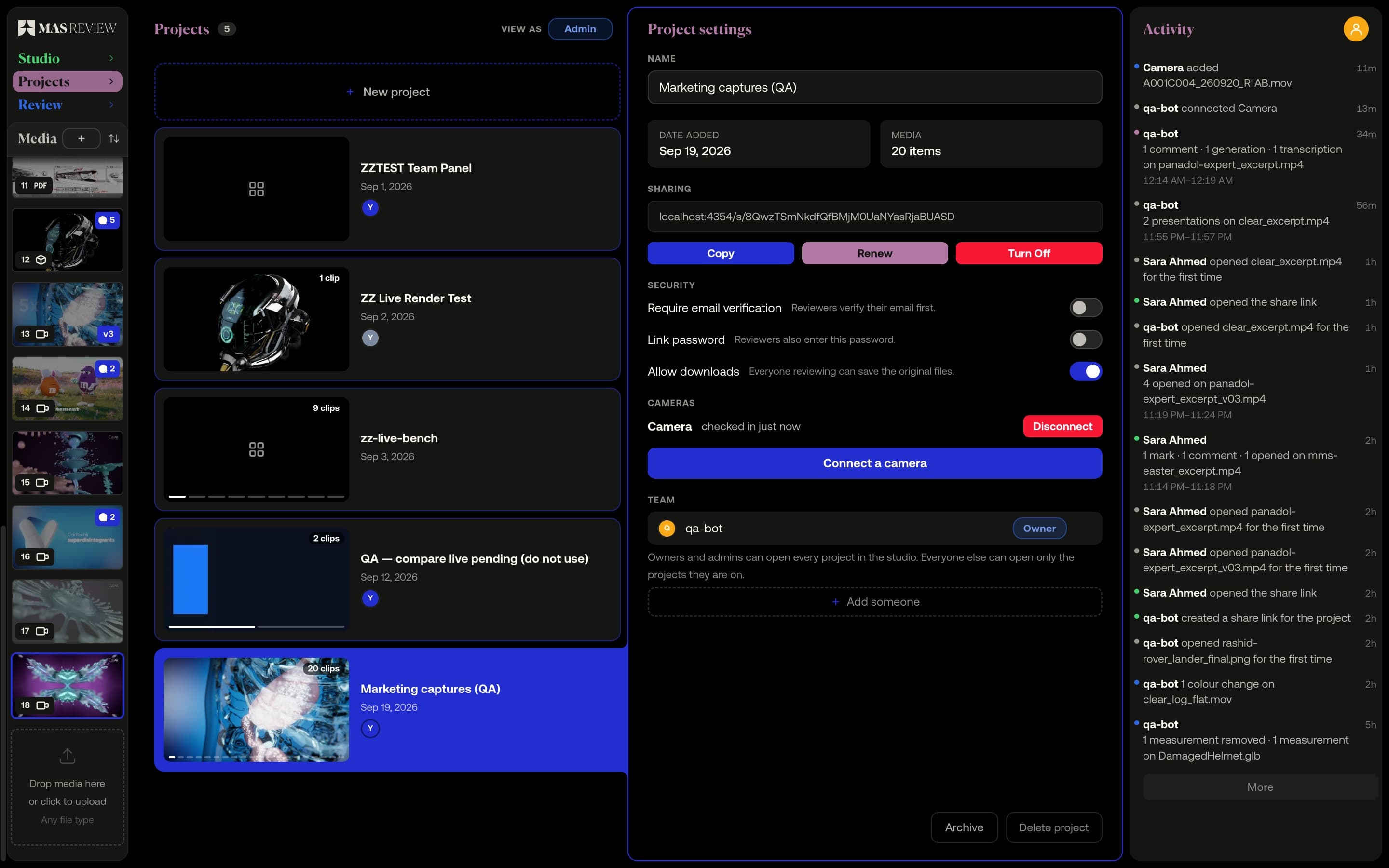
Camera to Cloud
A Mac app watches a folder on the DIT station. Every clip copied in uploads to the project by itself and arrives playable and commentable. Pro.
Learn more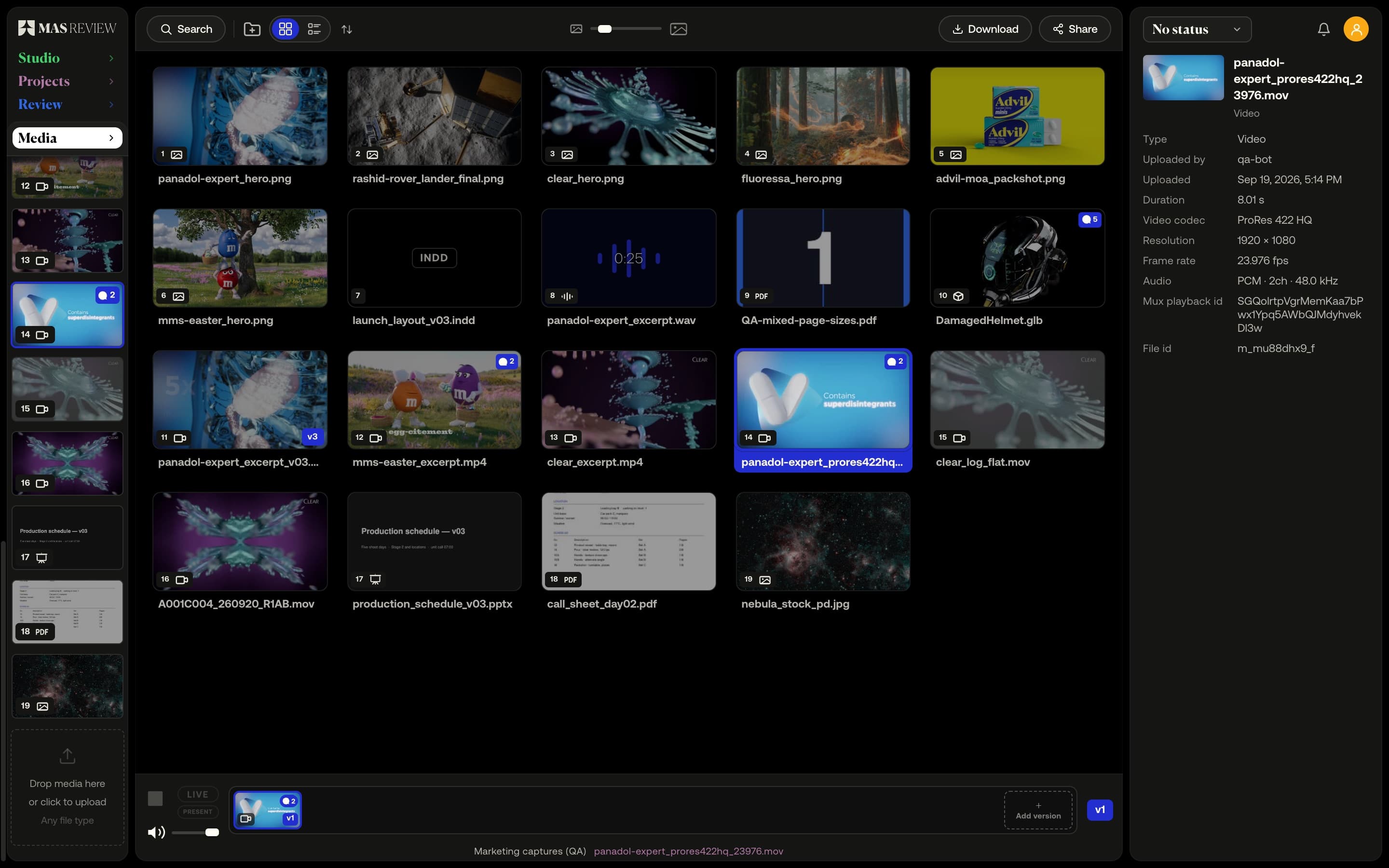
Video, images, PDFs, audio and 3D
87 file types open in the viewer, from ProRes and camera RAW to PSD, Office documents, glTF and Blender files. The rest are stored and downloadable.
Learn more